
DELTA
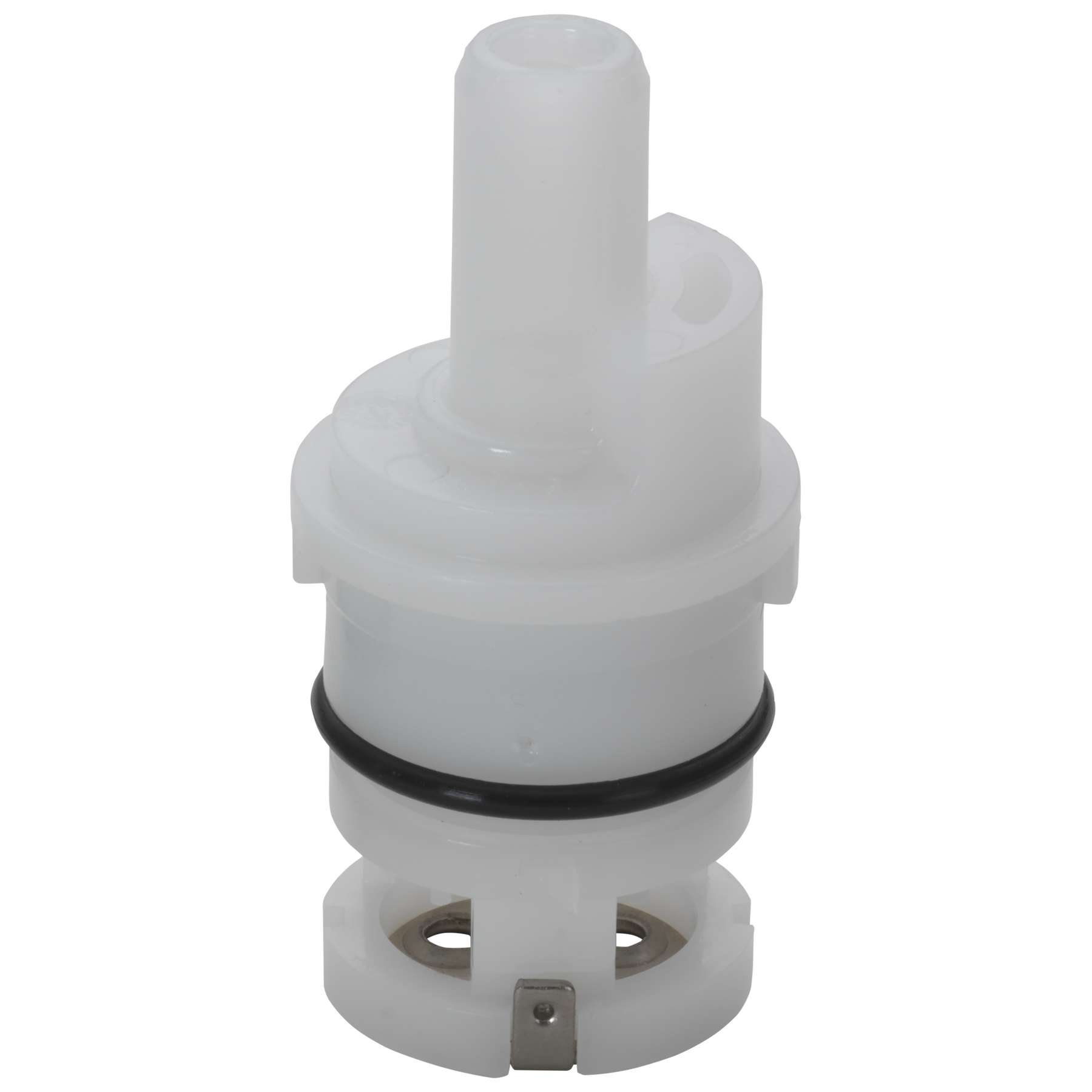
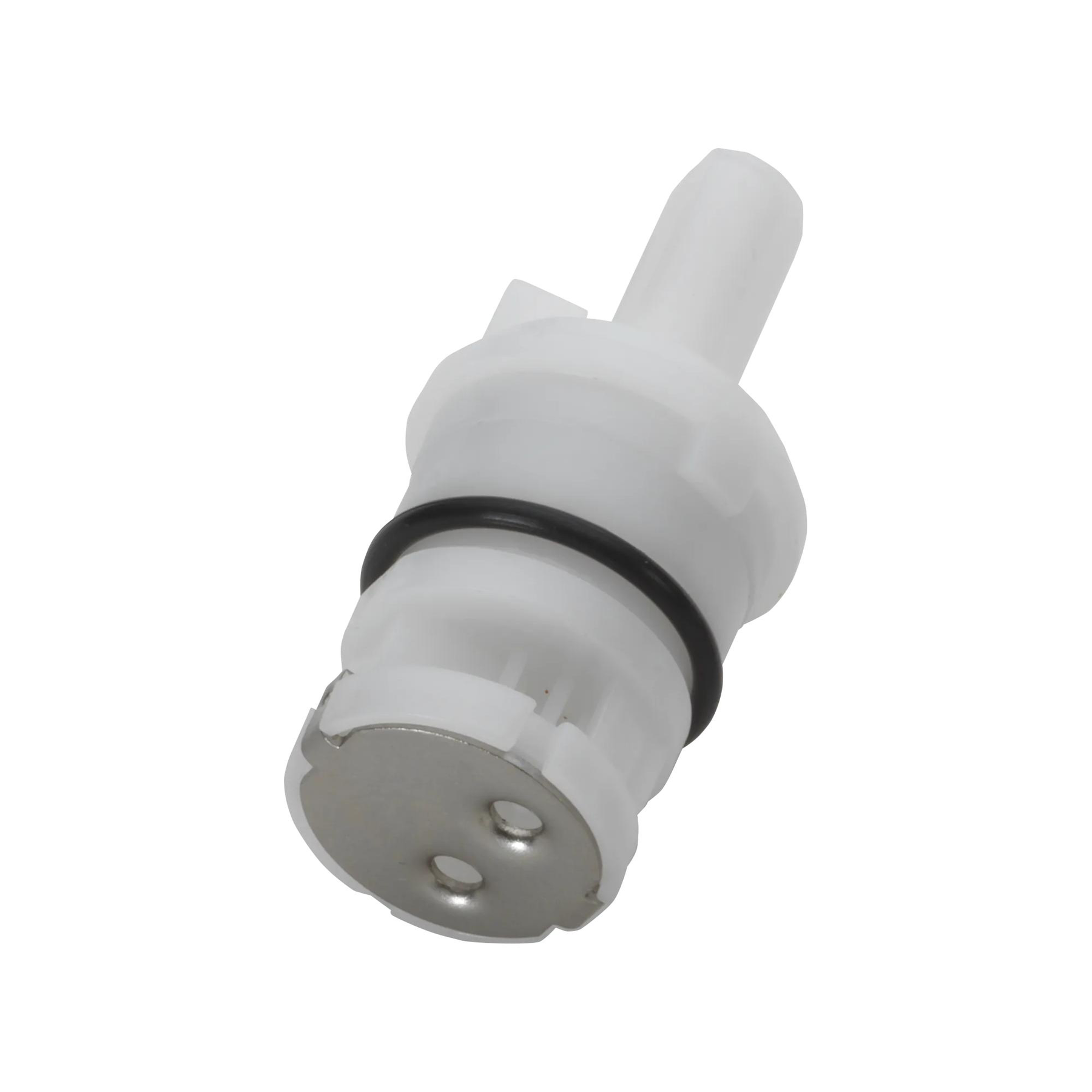
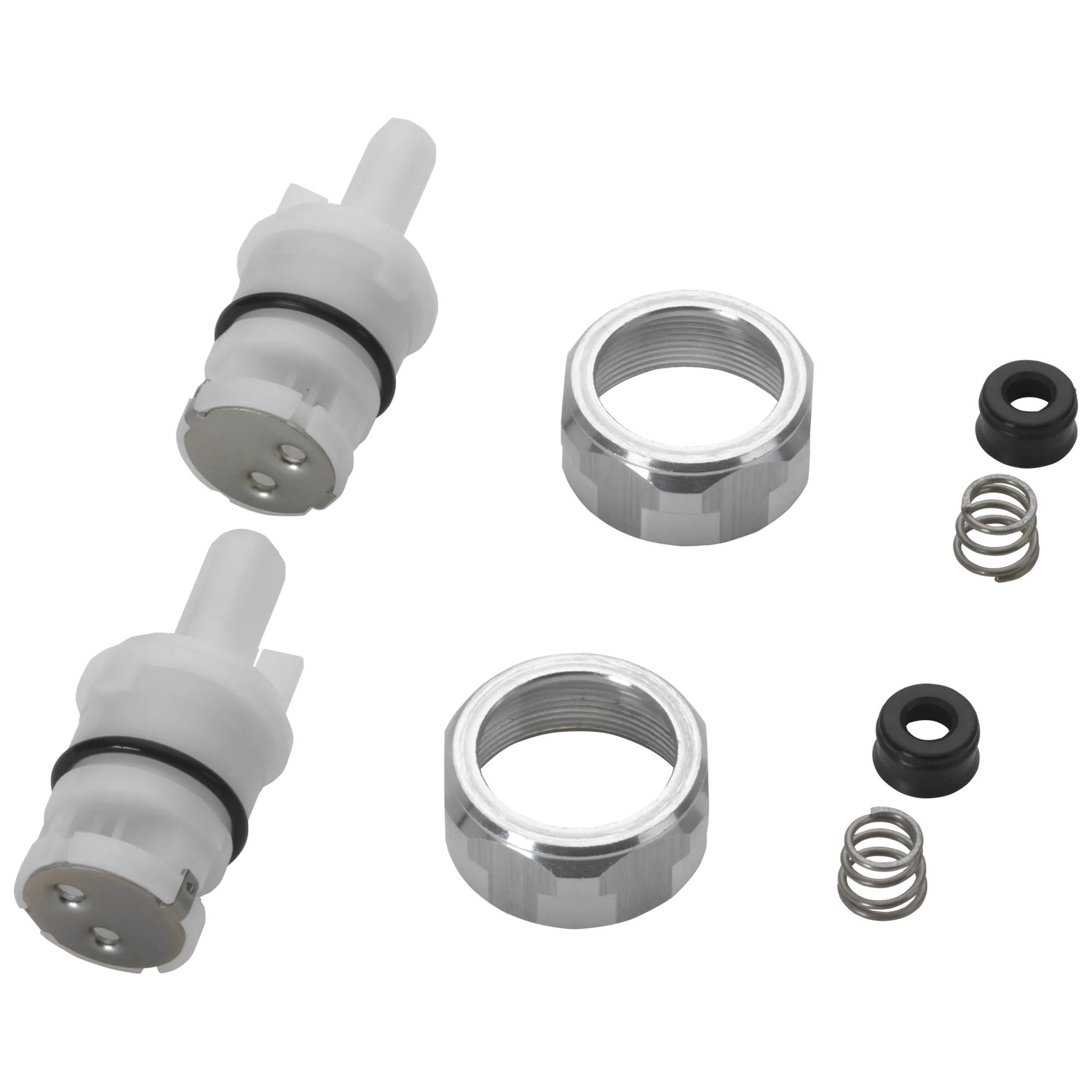
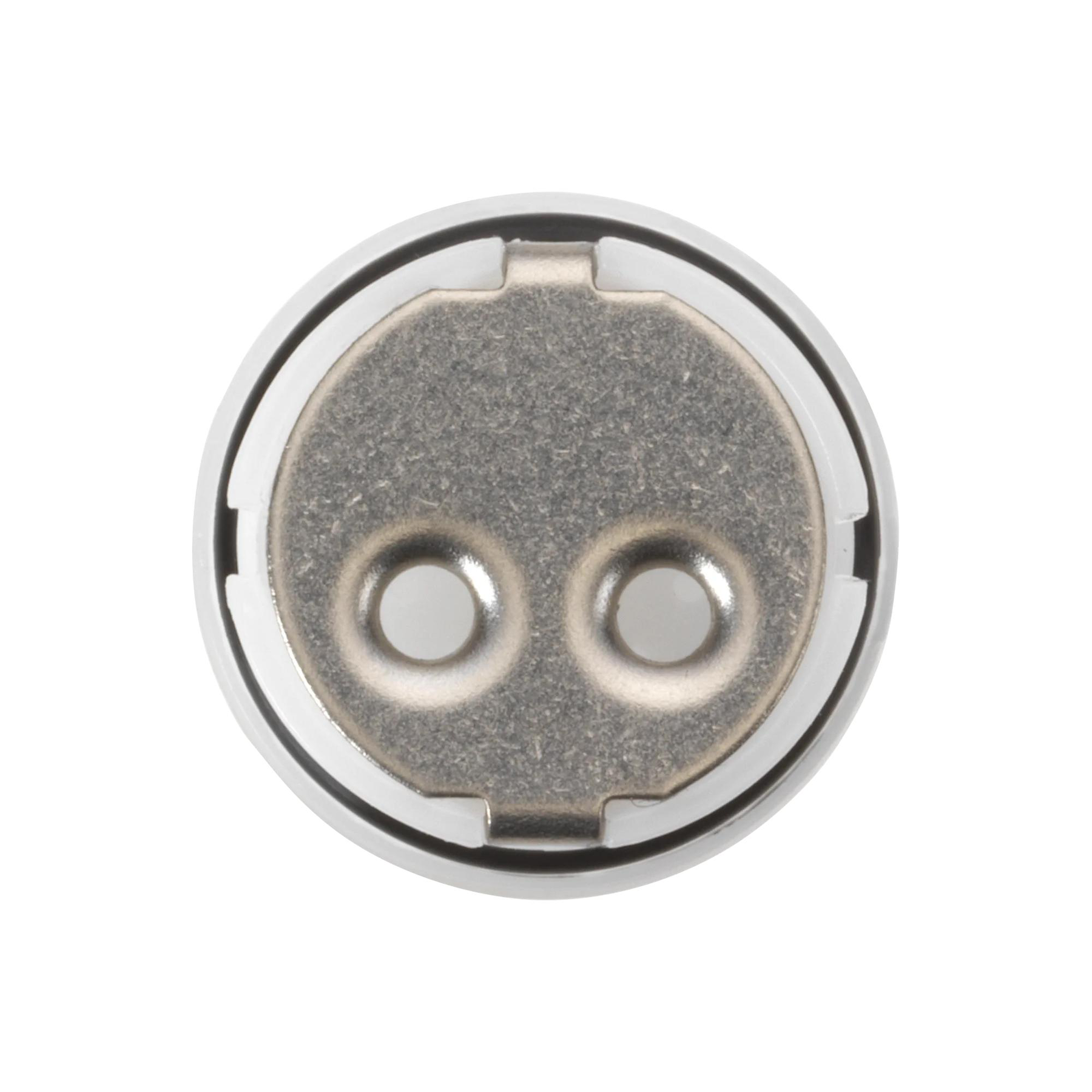
Valve and Bonnet Nut
Model#:
RP101504
Image Thumbnail, click to view zoomed product image
null
null
null
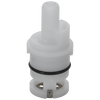
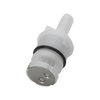
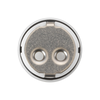
Documents & Specs
Installation Information
Overall Height (in.) :
2-5/16
Valve Type:
Cartridge
REVIEWS
Q&A
Do these valves (RP101504) come with a seat and spring replacement part? If not, how do I purchase just the seat and springs for this valve?
Hello!
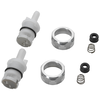
Yes, this includes two stem units with seats and springs for both the hot and cold sides.
https://www.deltafaucet.com/parts/product/RP101504.html
Please reach out with further questions!
Best Regards,
Tim
Digital Communications Specialist
Date published: 2026-02-07
Does this part come as a single or as a pair?
Hello,
Thank you for your question!
This is only one stem unit.
Please reach out with further questions!
Best Regards,
Tim
Digital Communications Specialist
Date published: 2025-06-17
How to install
Hello Valued Customer,
Thanks so much for contacting Delta Faucet Company!
To remove the RP101504 stem unit, please refer to the instructions below!
Please gather an adjustable wrench and a towel for excess water.
1. Turn off water supplies, and then turn the handles to the open position to release excess water. Turn it off for proper stem orientation.
2. Remove handles by hand turning the handle base counterclockwise.
3. Remove the bonnet nut with the adjustable wrench.
4. You will expose the brass stem units. Please take a photo or take notes on how these are oriented.
5. Replace in reverse order
Please reach out with further questions!
Best Regards,
Kelley
Digital Communications Specialist
Date published: 2024-05-08
How do I replace the old valves and bonnet nut?
Hi Ronald,
Thank you for your question about the Delta Faucet RP101504.
Remove handles by hand turning handle base counterclockwise, or unscrewing set screw. See step-by-step instructions for similar parts here:
https://support.deltafaucet.com/s/article/RP3614-Stem-Unit-Assembly-Kit
Please reach out with any additional questions!
Best Regards,
Bryan
Date published: 2026-02-03
Is this the right cartridge for Model#: B2515LF-PPU-ECO?
Hello Customer!
Thank you for your question and we are happy to help. This is the correct cartridge for the B2515LF-PPU-ECO. With any further questions or concerns, please do not hesitate to reach out to us again.
Best Regards,
Carrie
Date published: 2026-02-20
How do you get that out to replace
Hi Jc84,
Thank you for contacting Delta Faucet Company!
To remove the RP101504 stem unit, please refer to the instructions below!
Please gather an adjustable wrench and a towel for excess water.
1. Turn off water supplies, and then turn the handles to the open position to release excess water. Turn it off for proper stem orientation.
2. Remove handles by hand turning the handle base counterclockwise.
3. Remove the bonnet nut with the adjustable wrench.
4. You will expose the brass stem units. Please take a photo or take notes on how these are oriented.
We appreciate your inquiry. Please reach out directly if you have further questions!
Best Regards,
Kyra
Digital Engagement Specialist
Date published: 2024-03-26
For Model 35899LF-SP, is this for a cold or hot water faucet?
how to do replace the RP101504 value and bonnet nut in a delta faucet. The current one in my new faucet is defective. I need instructions.
Hi Michael,
Thank you for contacting Delta Faucet Company! We apologize this information was not readily available to you and we are happy to help!
To change the stem units (RP101504) on your B3511LF-PPU-ECO faucets, please refer to the instructions below!
We recommend flushing the faucet before installing new stem units. Please also note to turn both hot and cold water off before removing parts.
1. Remove the handle with a 3/32" Allen wrench.
2. Please pull the handle off of the stem unit.
3. Remove the bonnet nut with your adjustable wrench.
4. Before removing the rest of the parts, verify the orientation of the stem and lift straight up to pull the stem units out.
5. Look into the valve, you should see a seat and spring. Please pull these pieces out before flushing.
6. Place a towel around the back of the entire faucet, and place the bucket on top of the towel to catch excess water.
7. Have someone turn the cold water supply on for about 30 seconds to a minute. After this, shut the cold water off and move the bucket and towel to the hot side, flush that out as well. You may be able to do both at the same time if the bucket or bowl fits over the handles.
We appreciate your inquiry. Please reach out directly if you have further questions!
Best Regards,
Kyra
Digital Engagement Specialist
Date published: 2024-04-27
Delta Online Pricing
This online price is exclusive to DeltaFaucet.com. The list price may be shown on products offered outside of the Outlet section on DeltaFaucet.com. Strikethrough pricing may be used to show discounts.