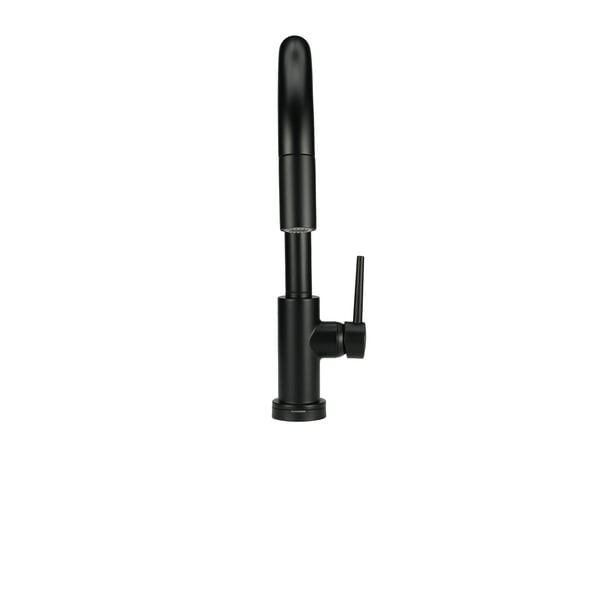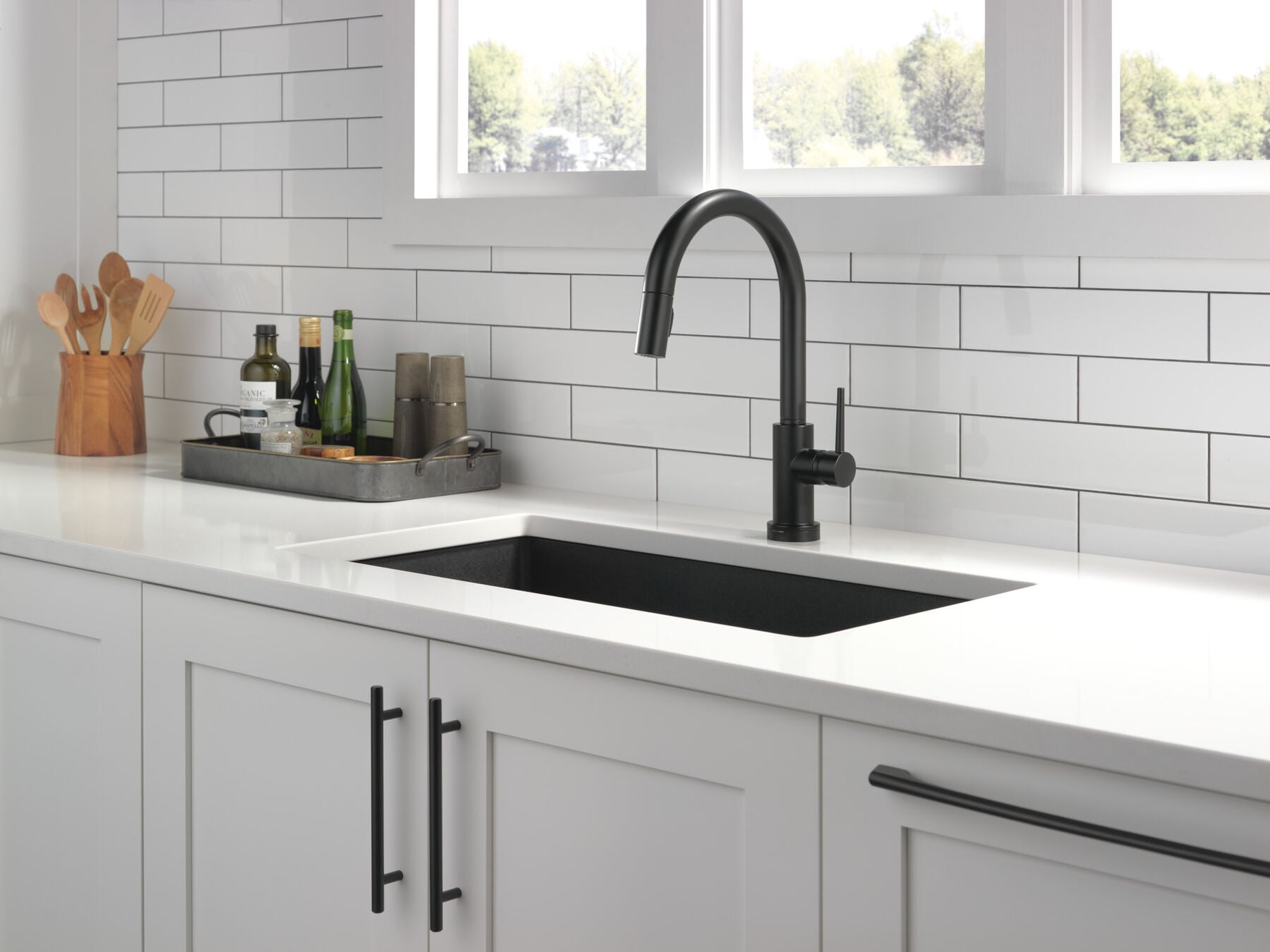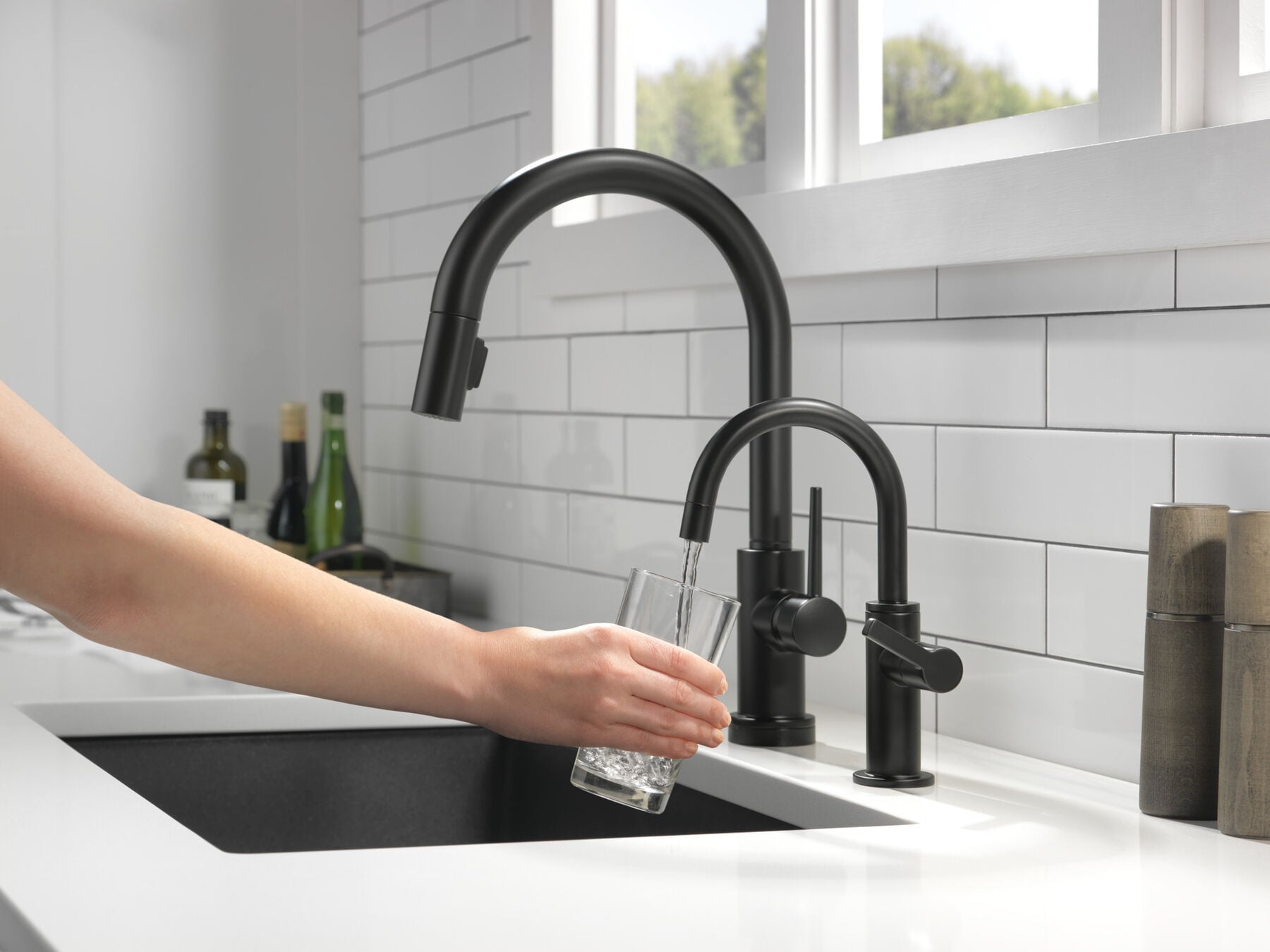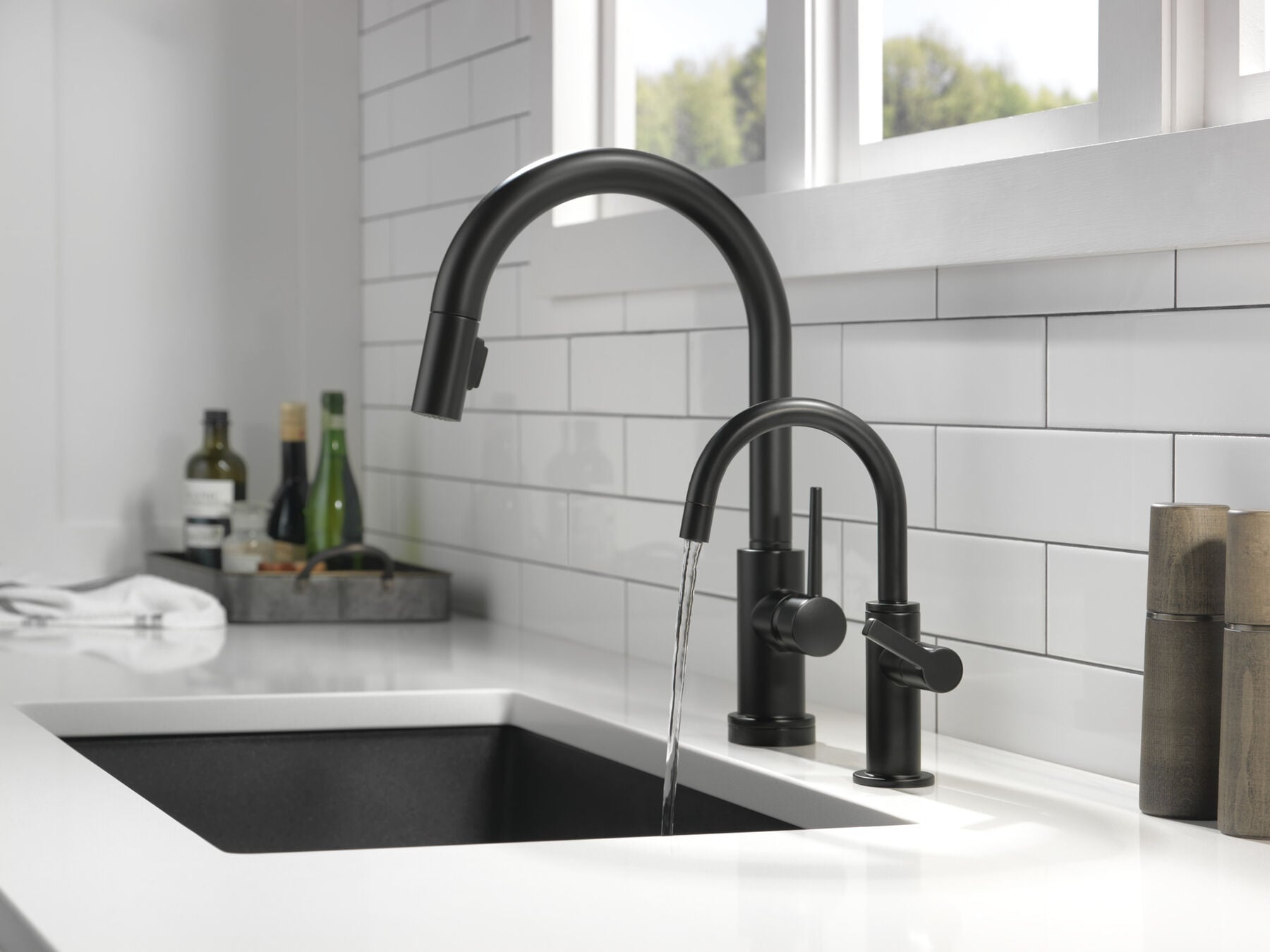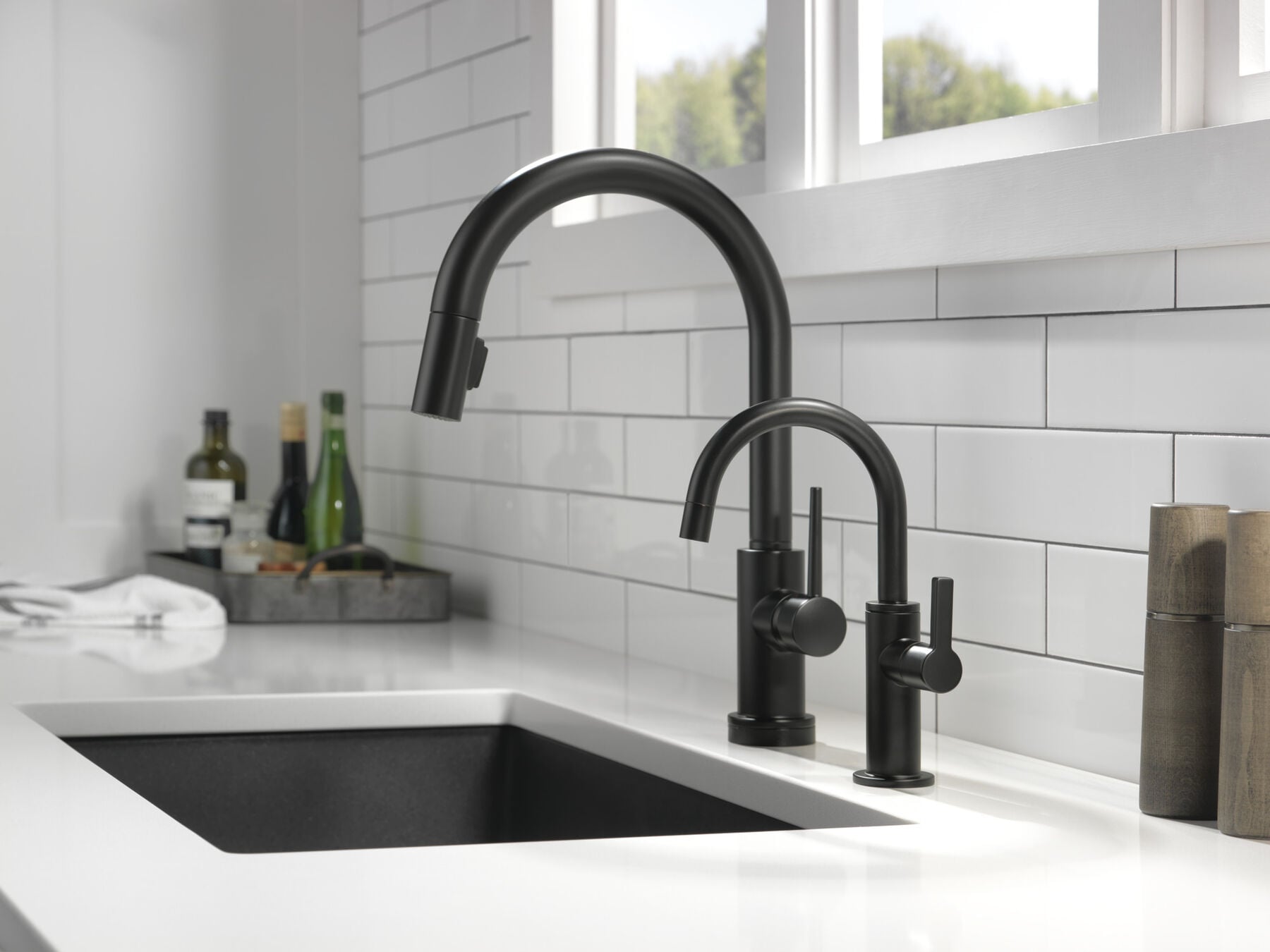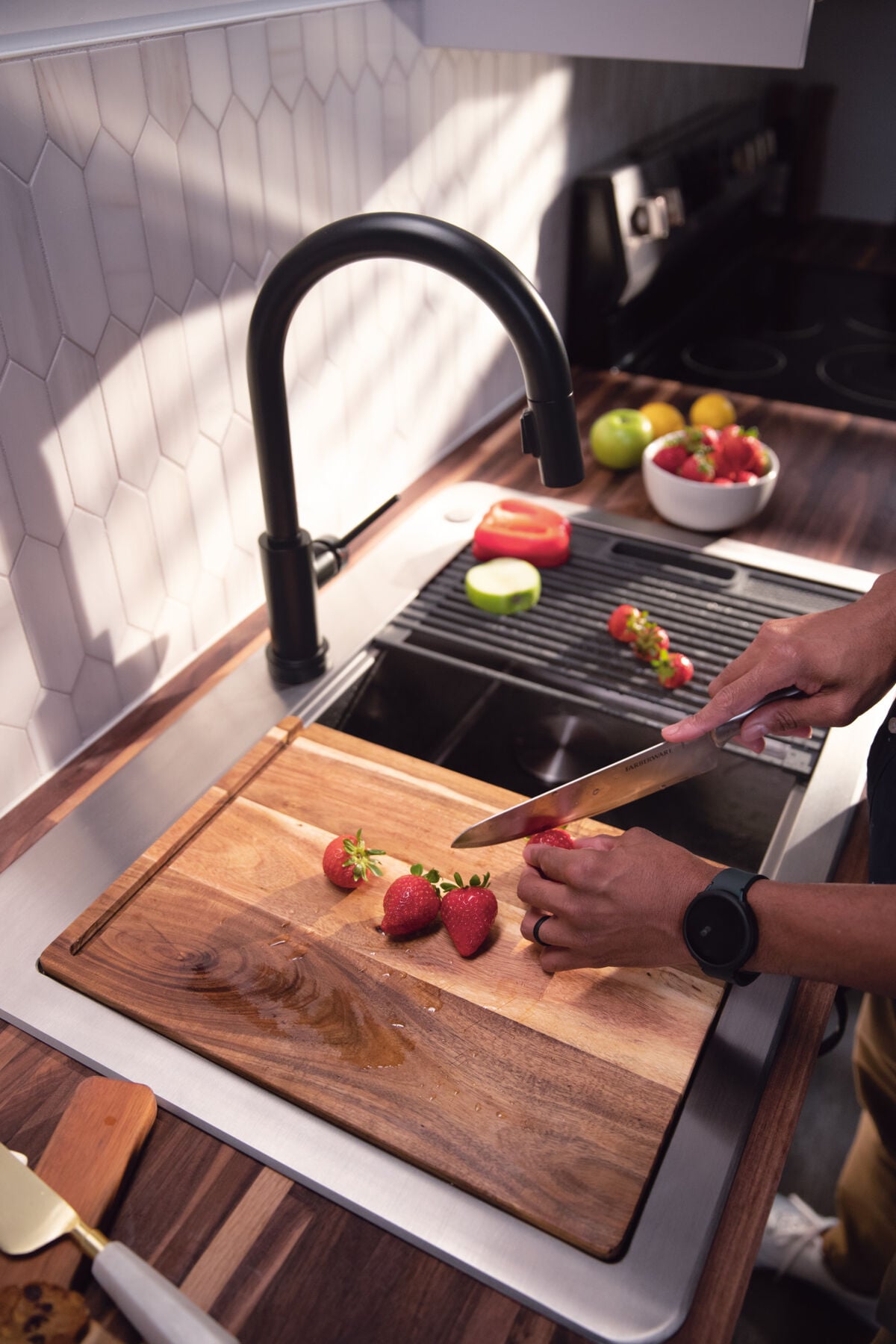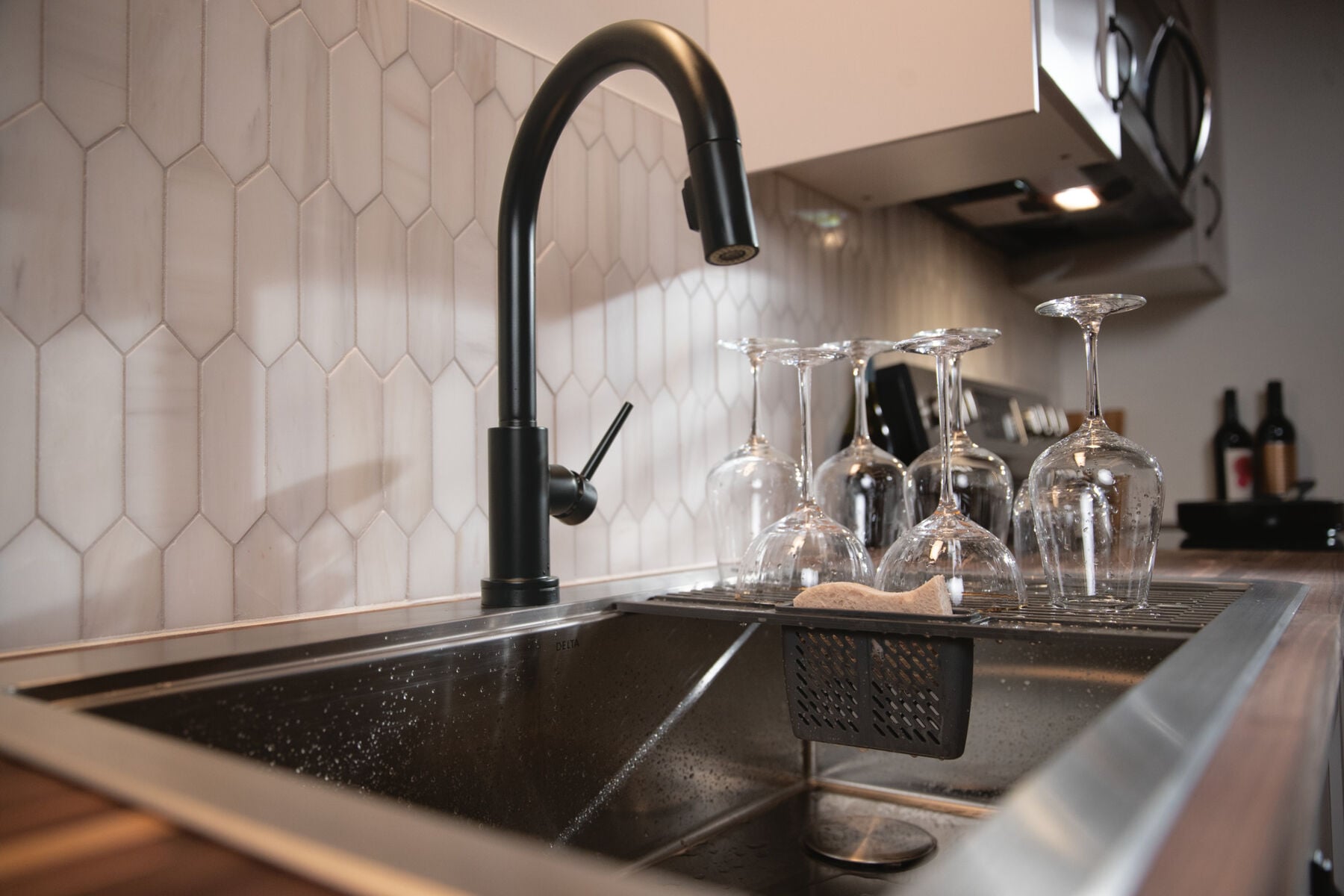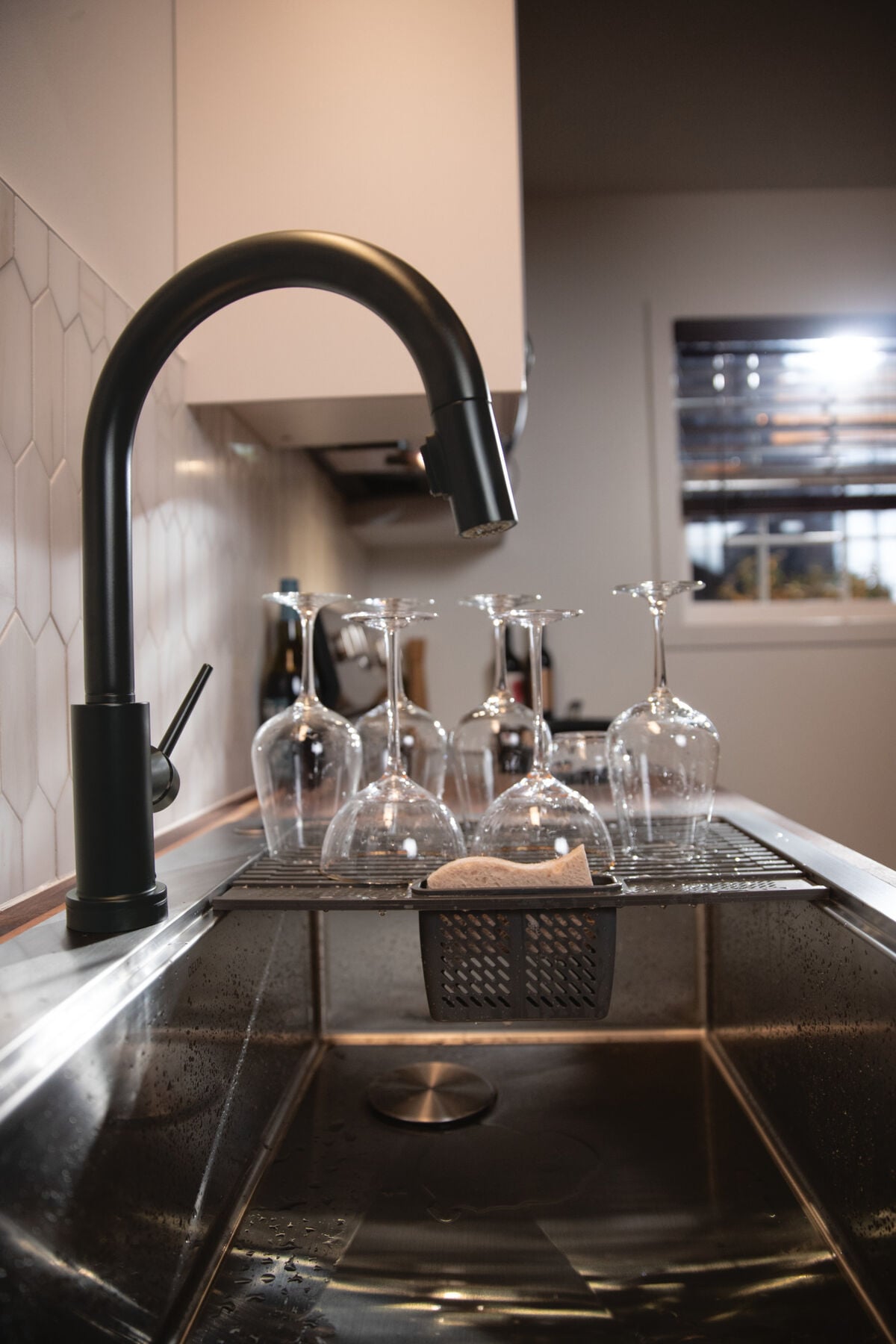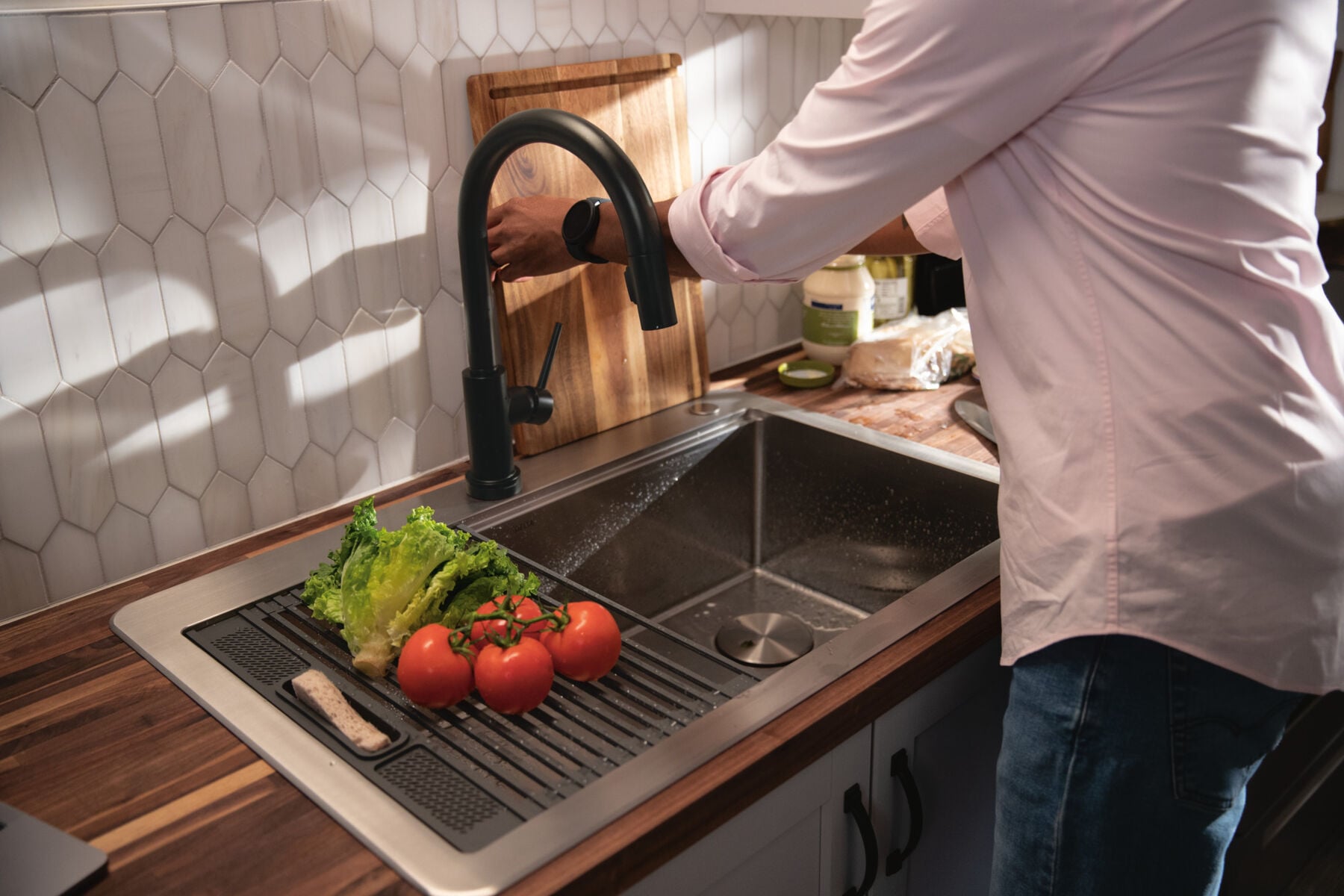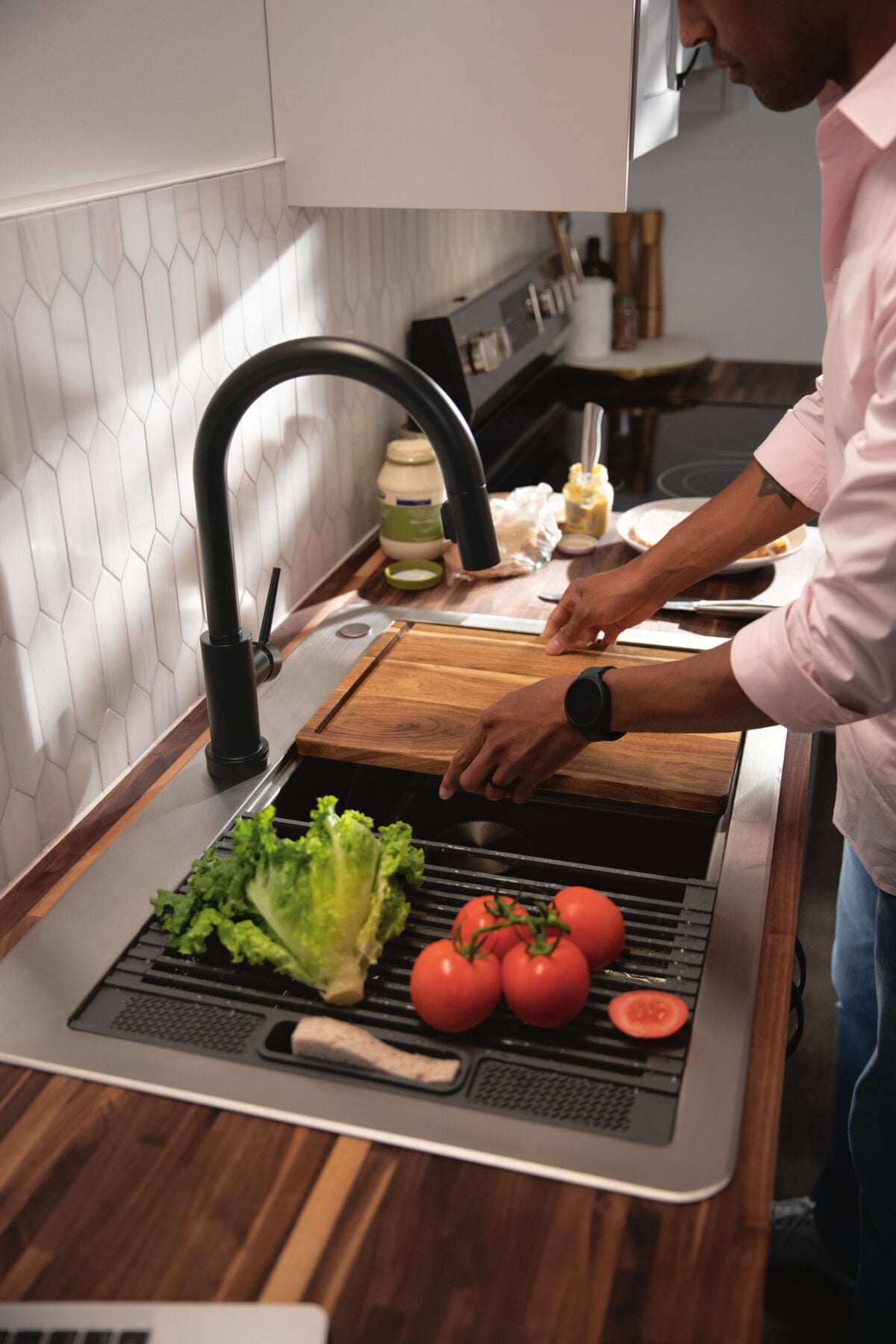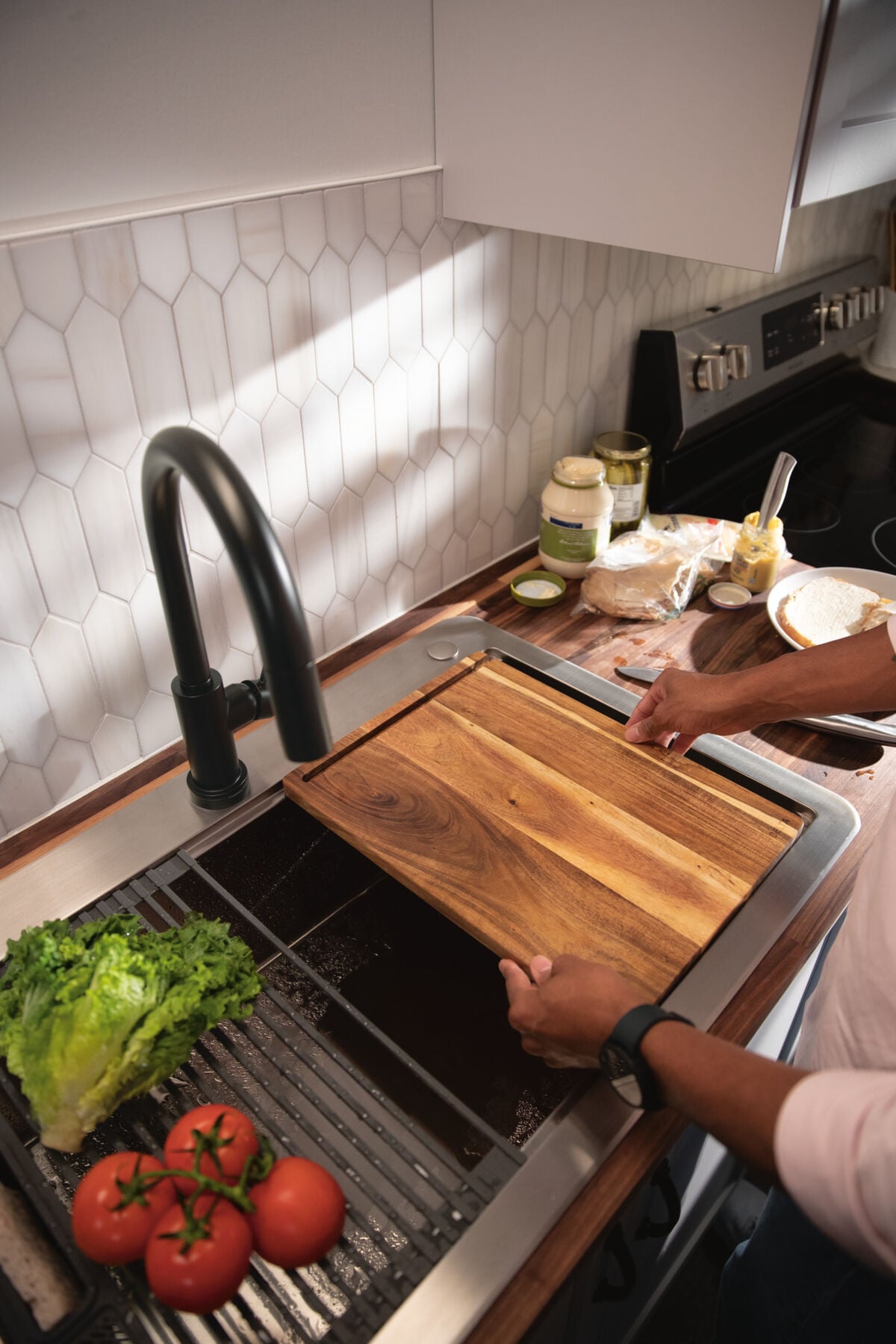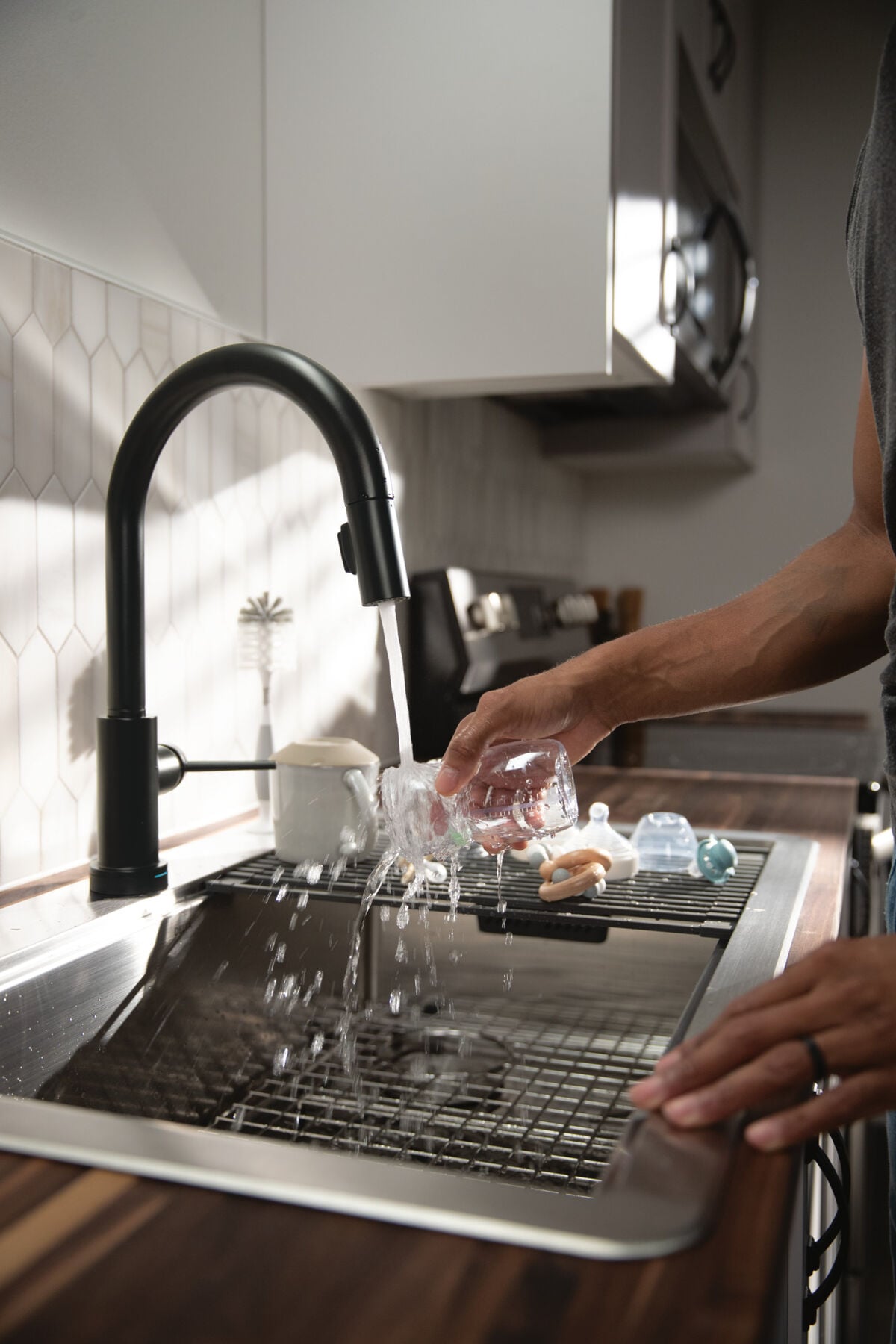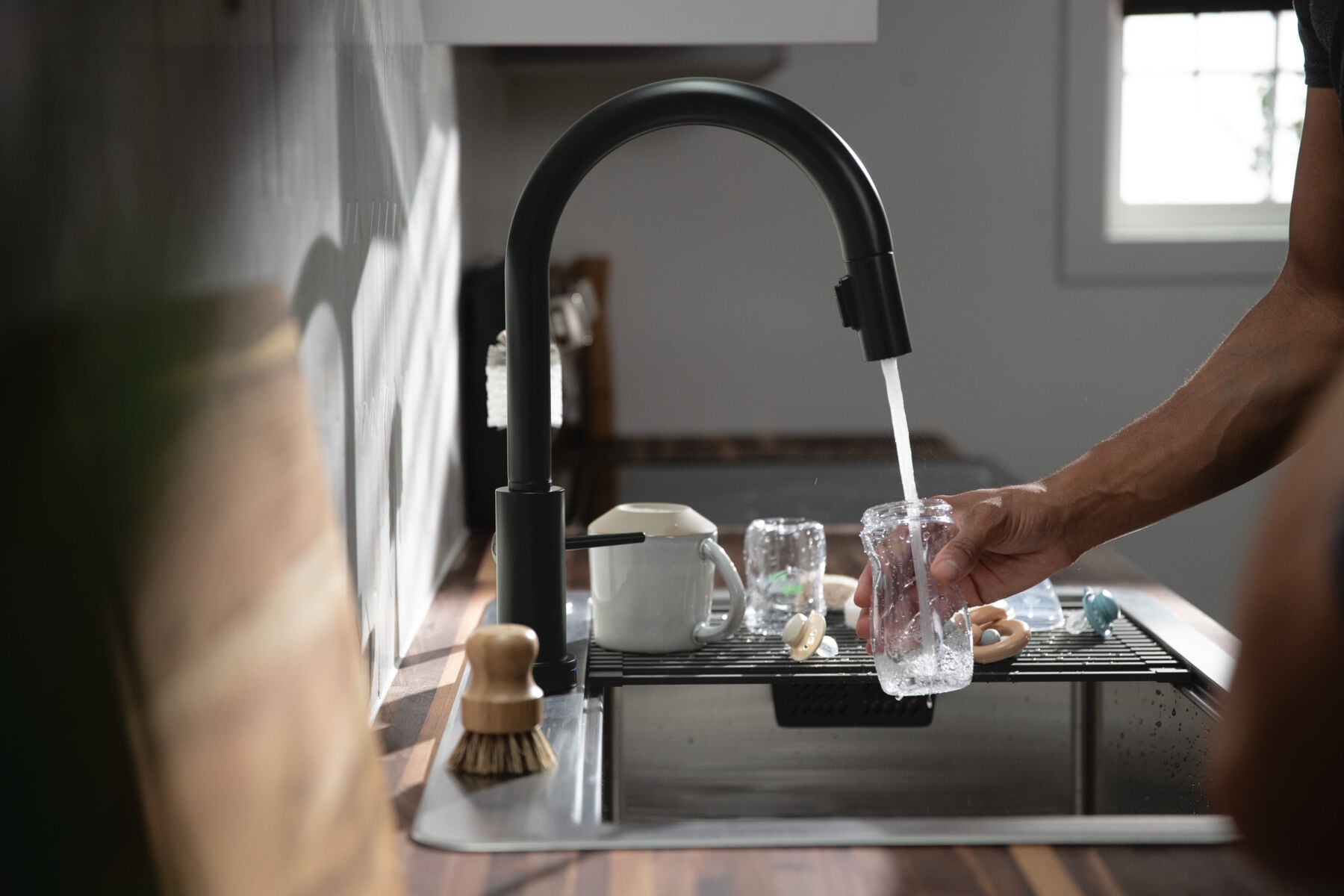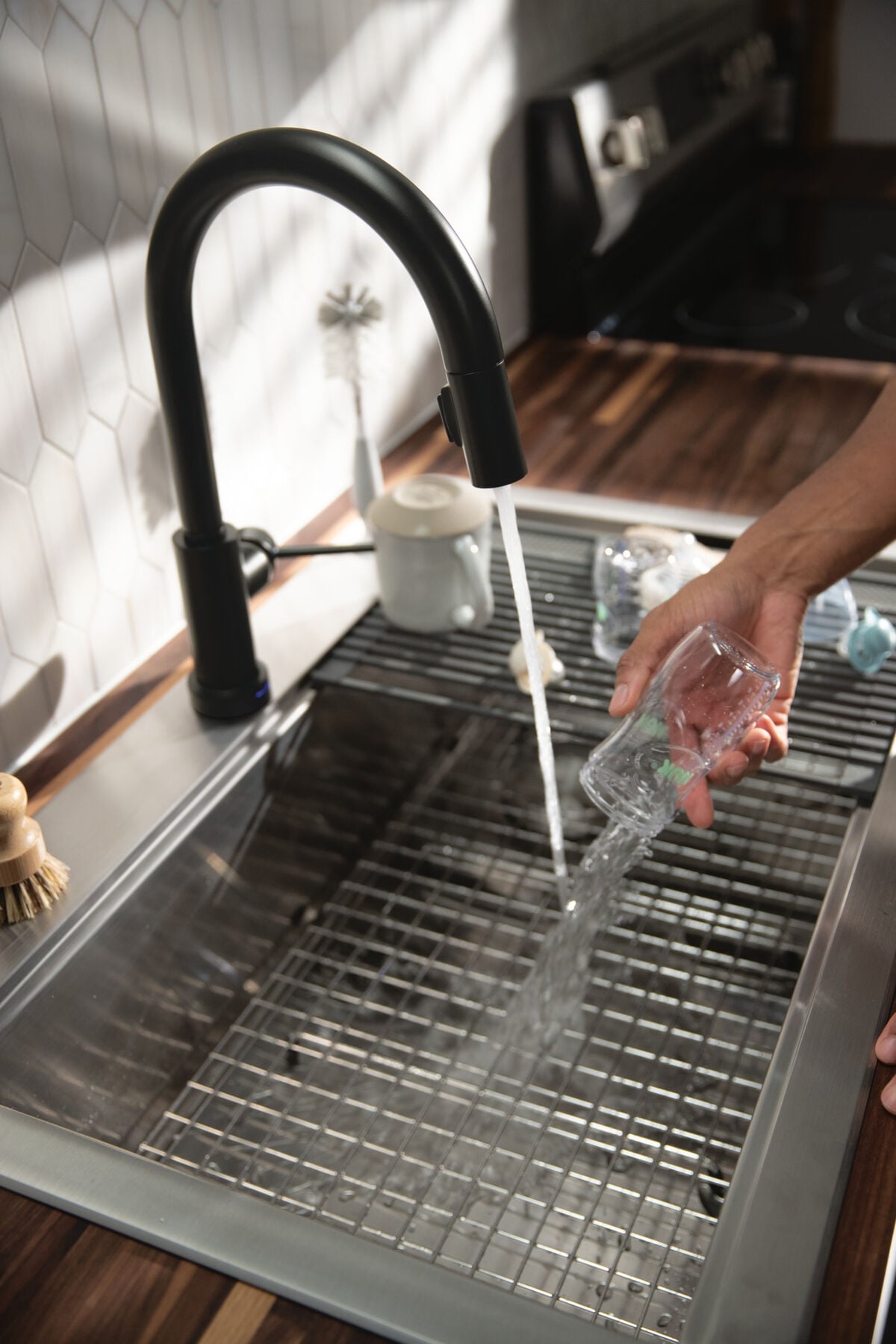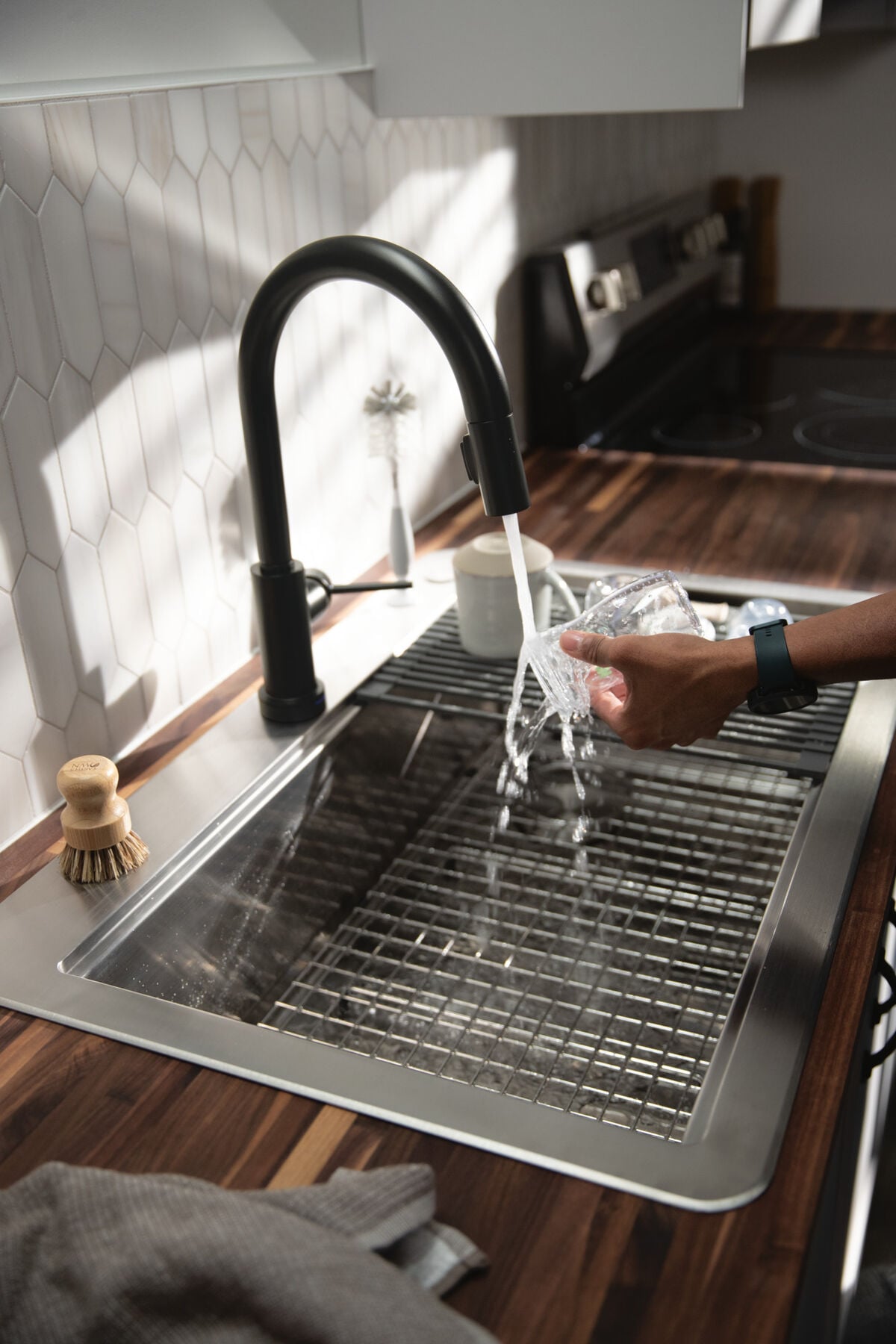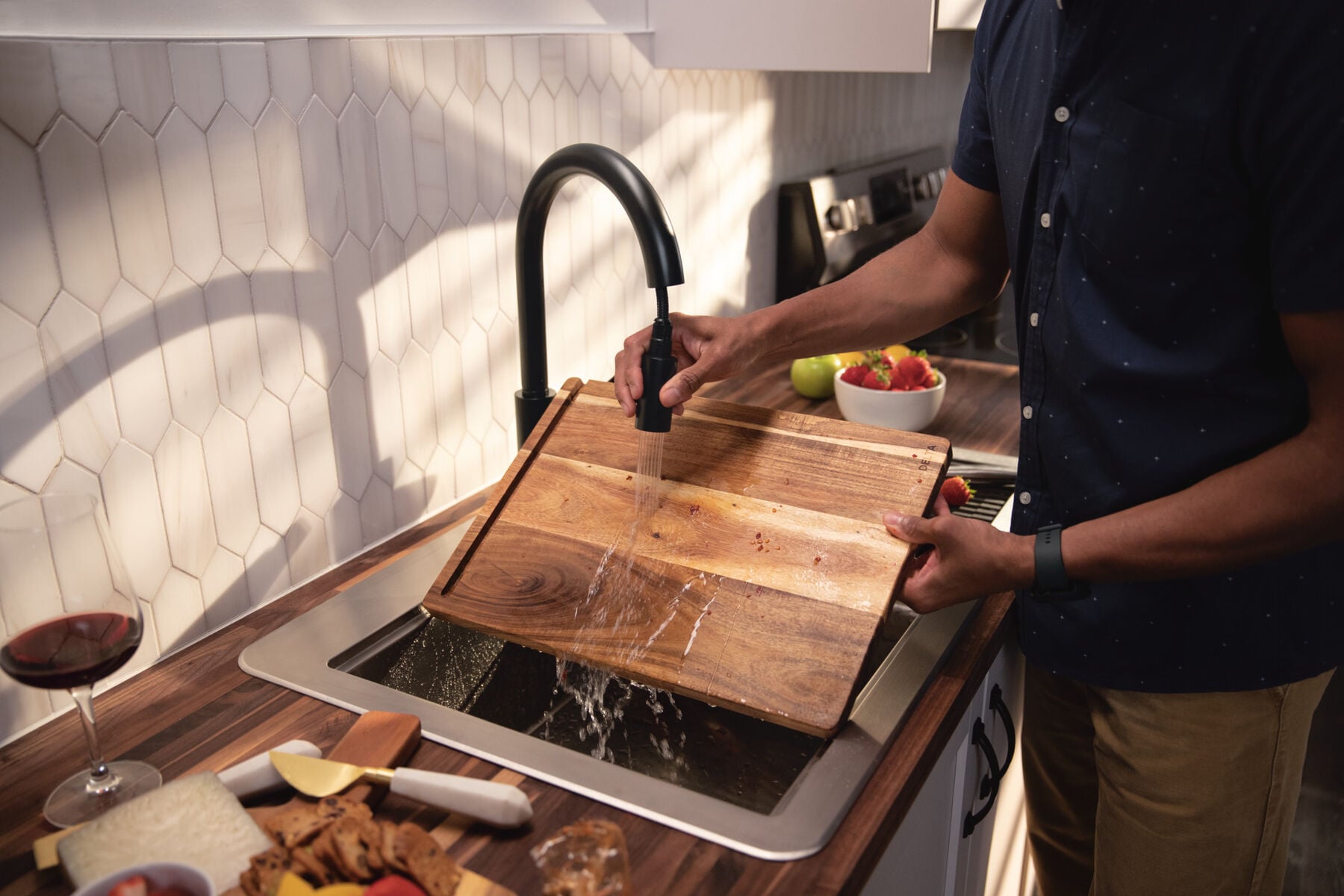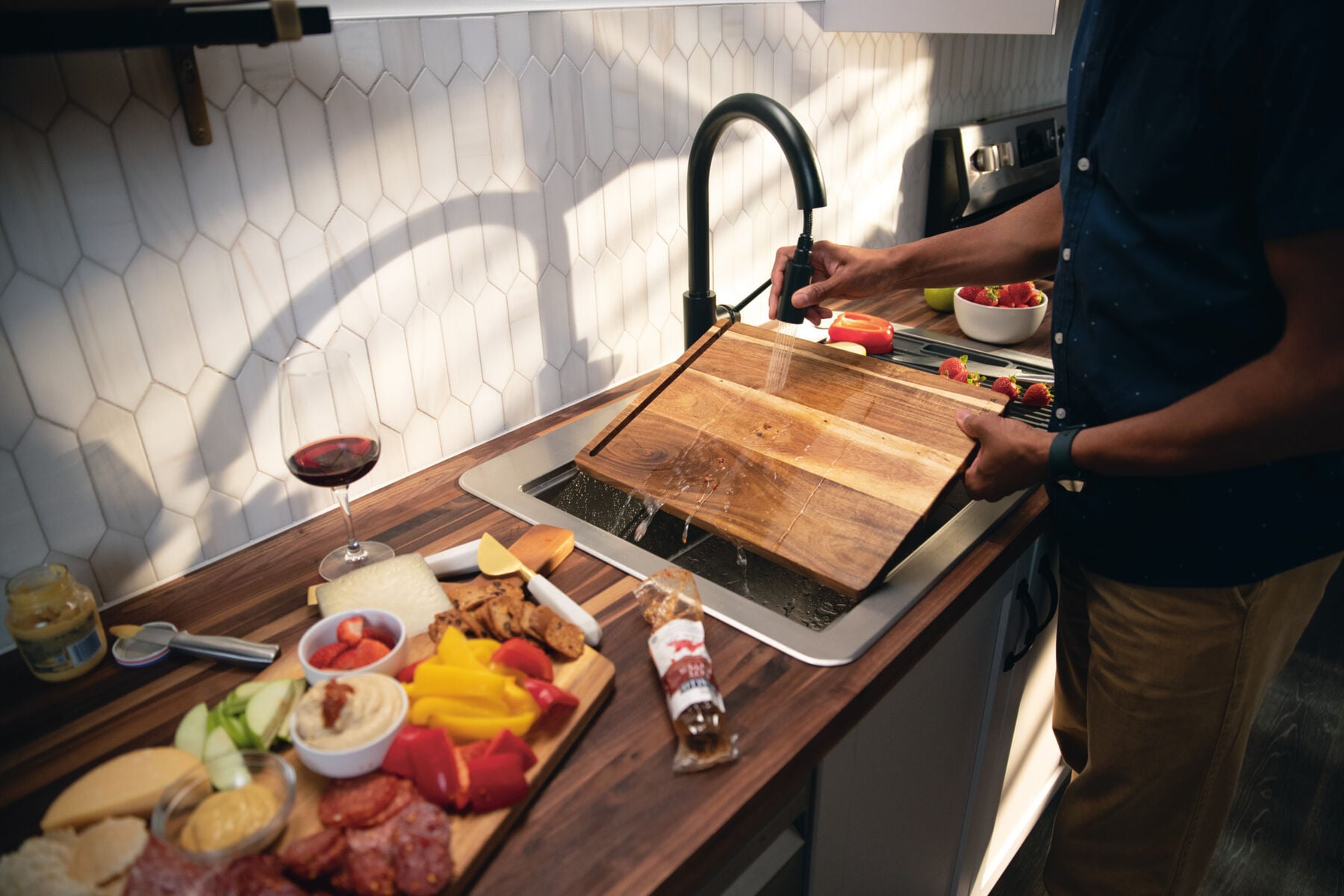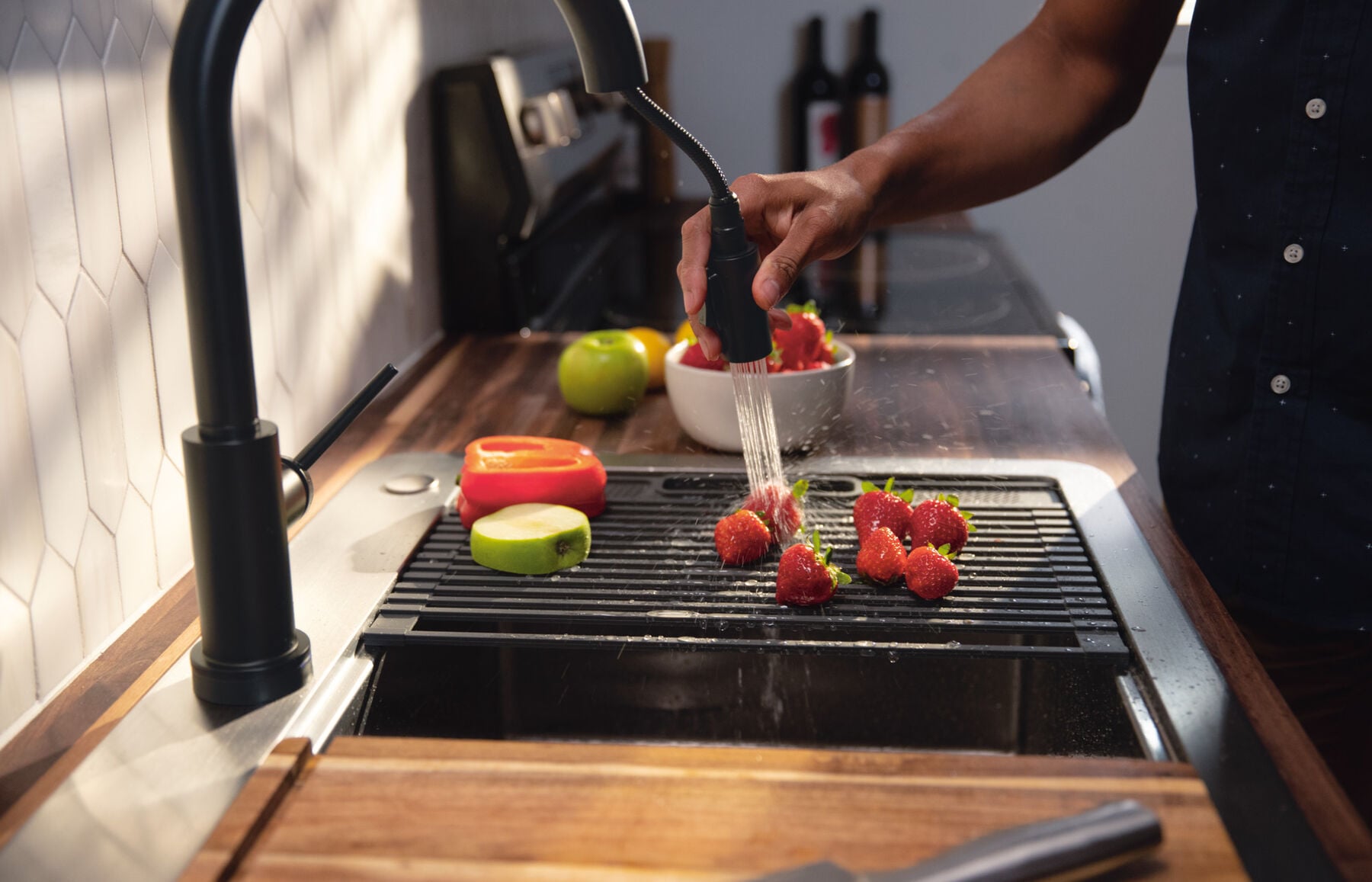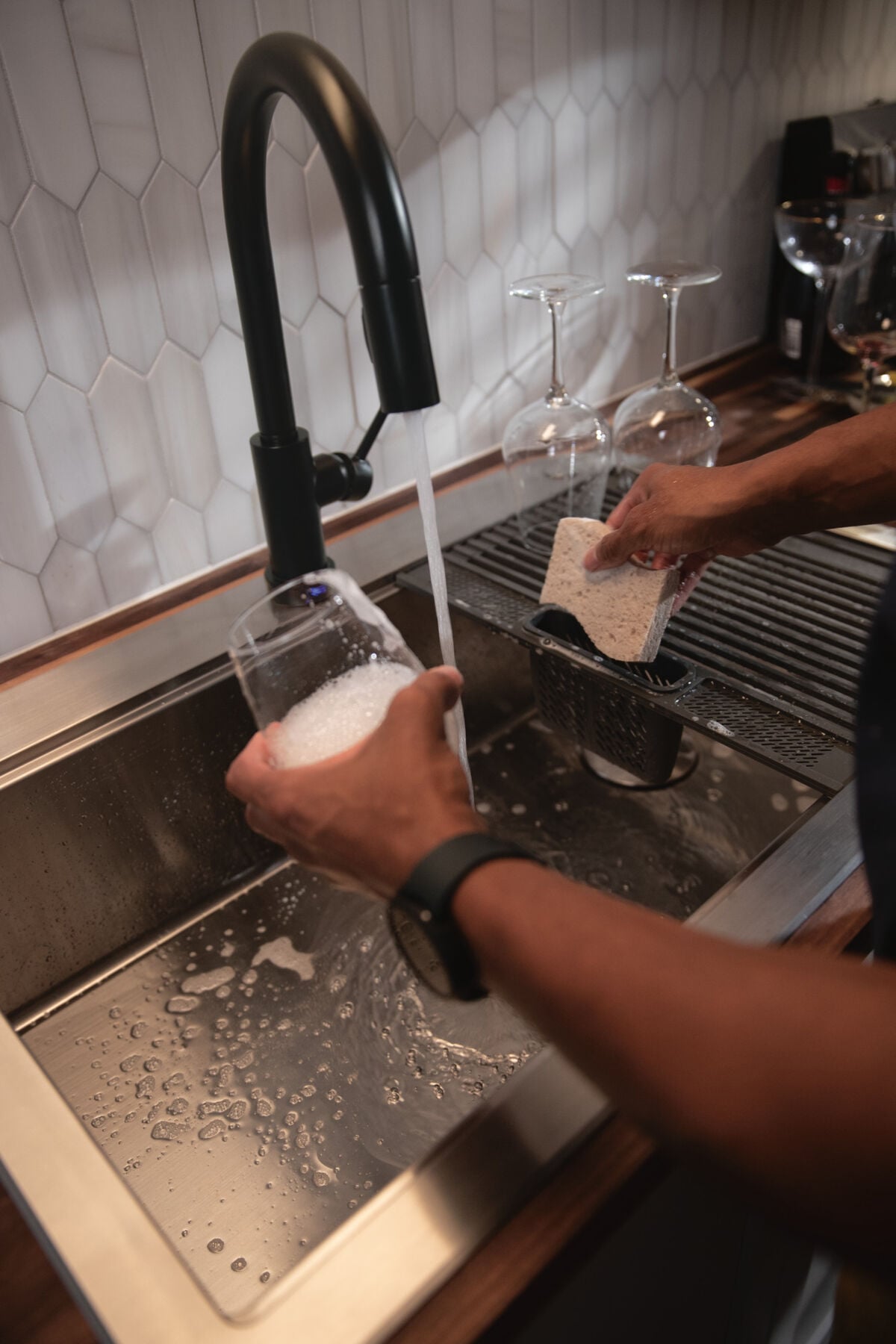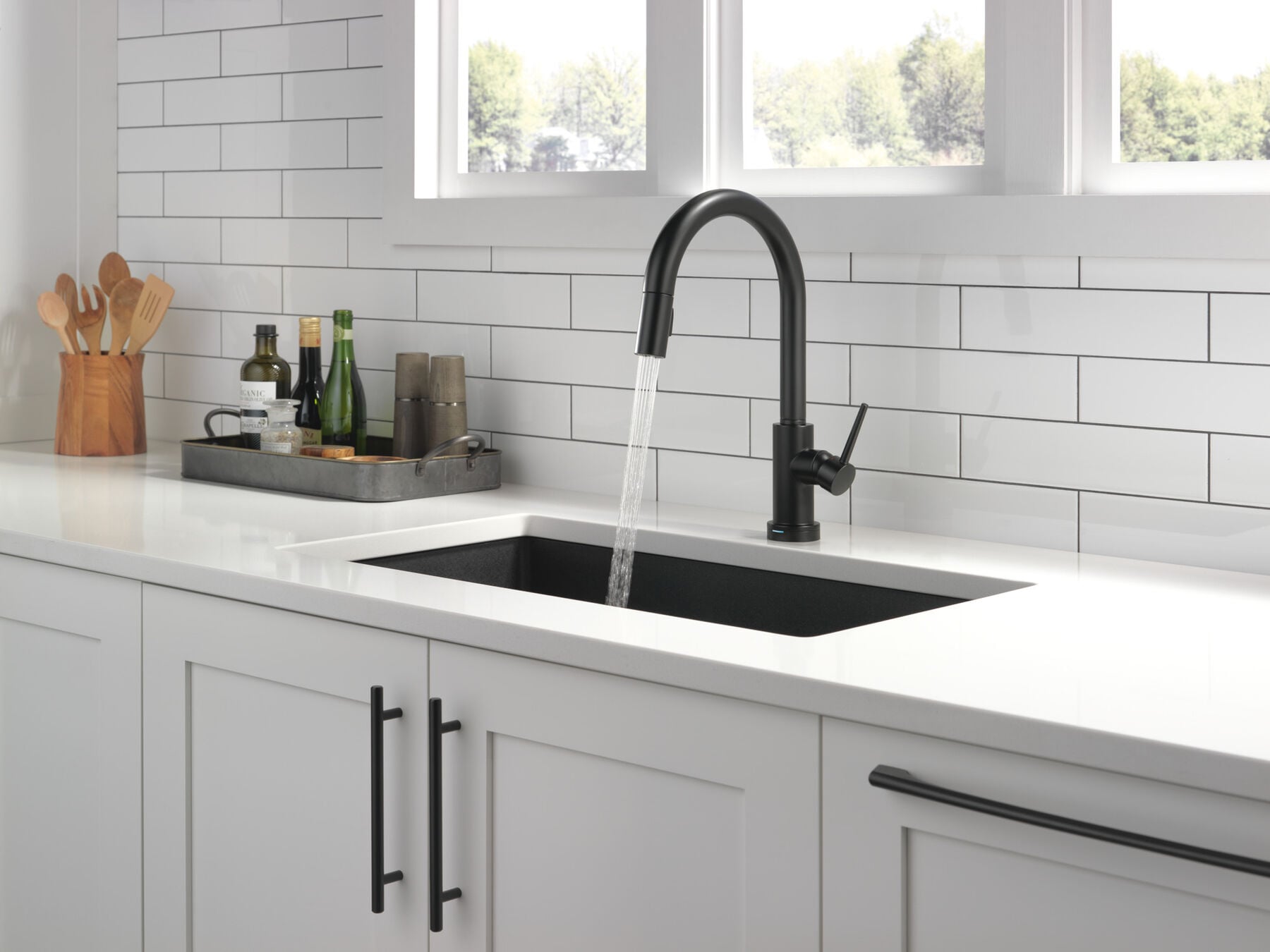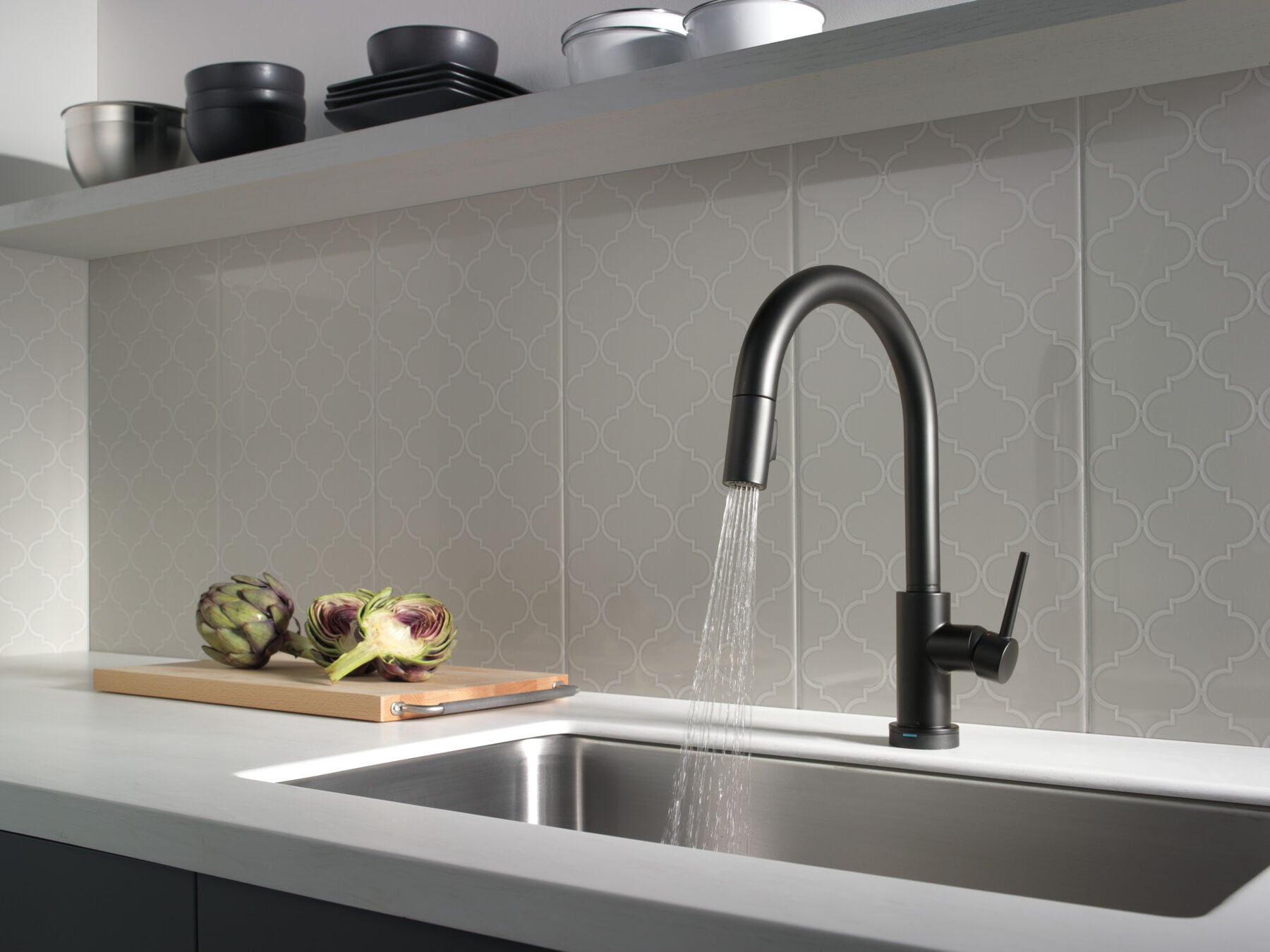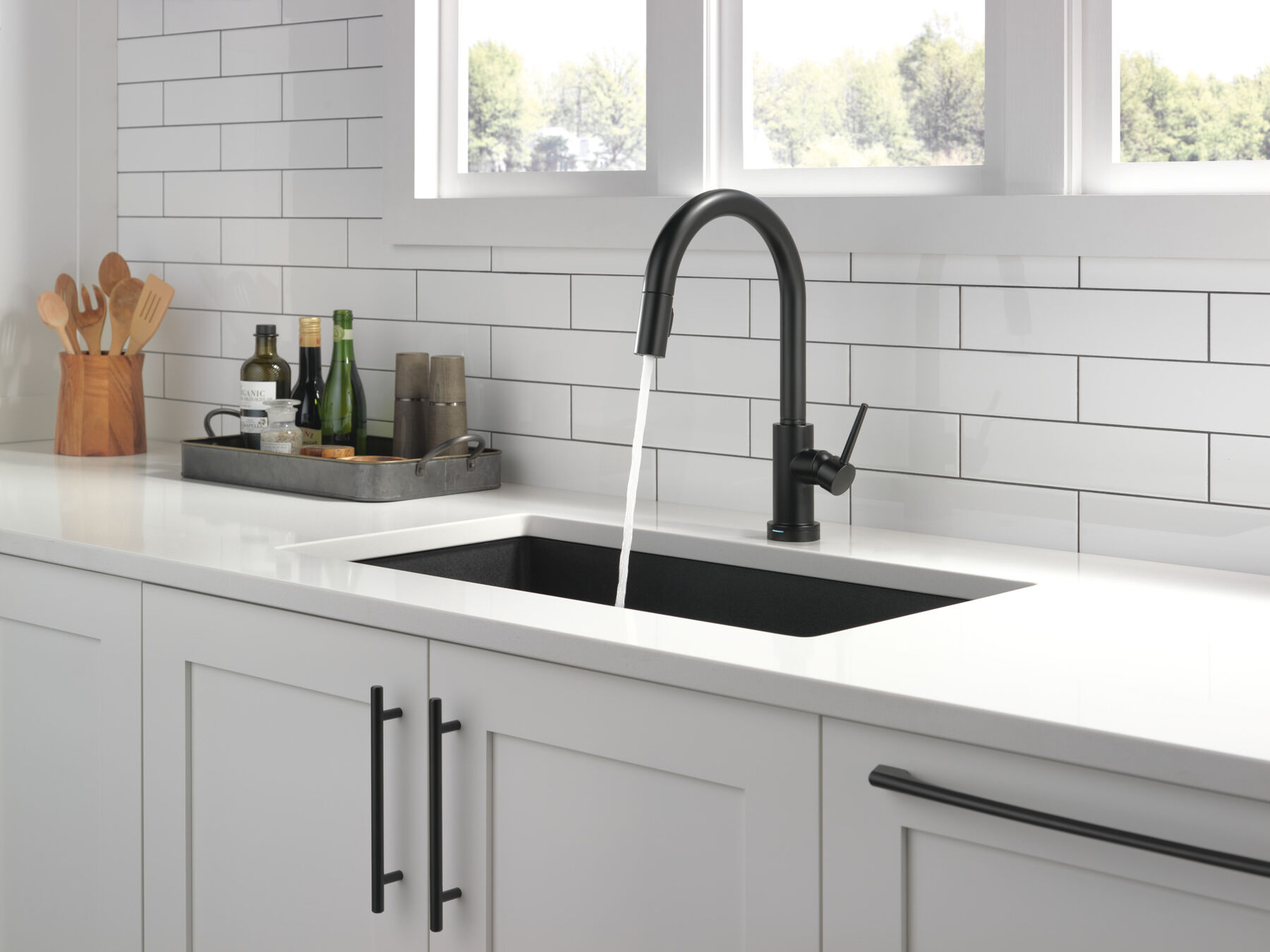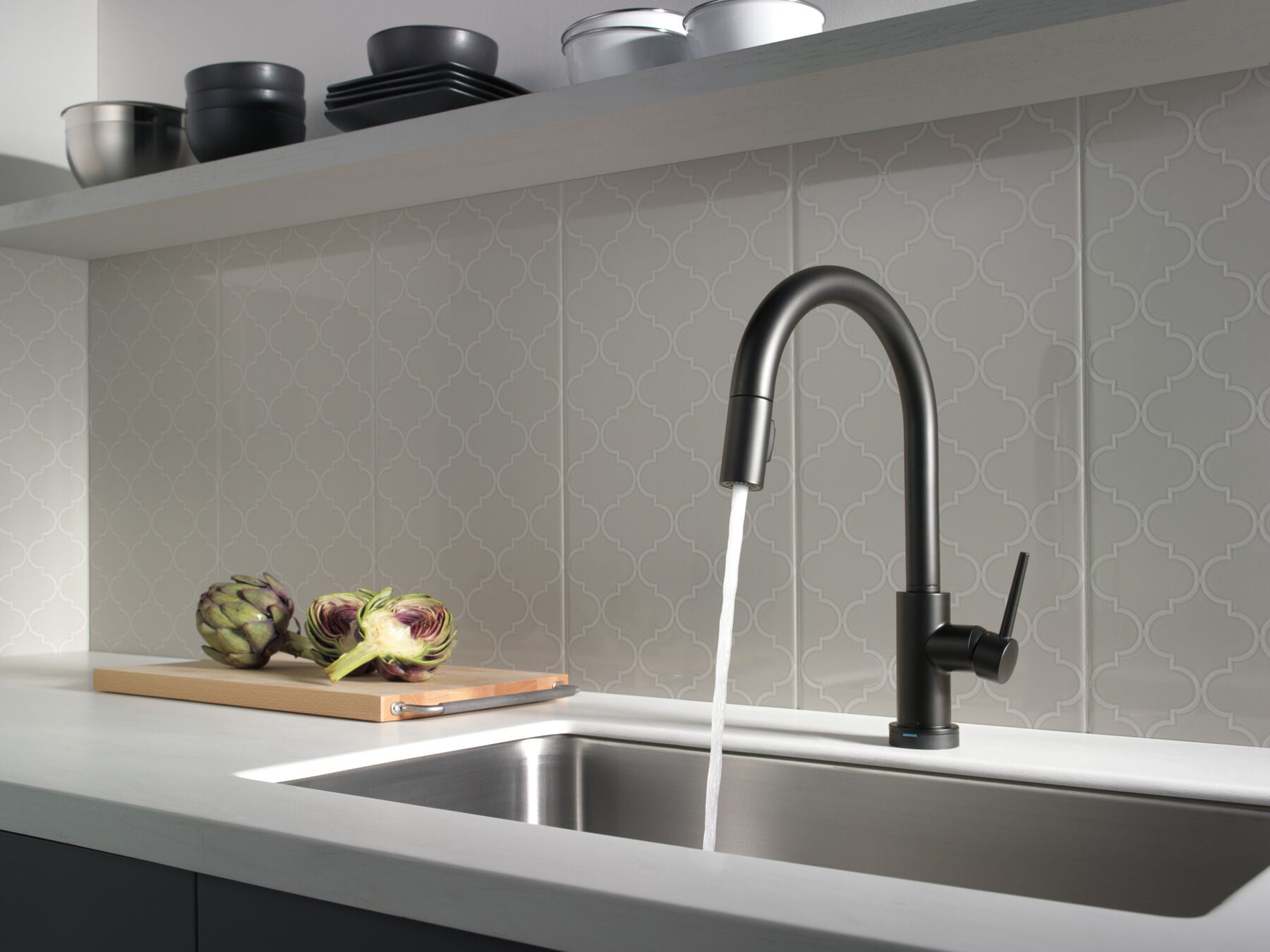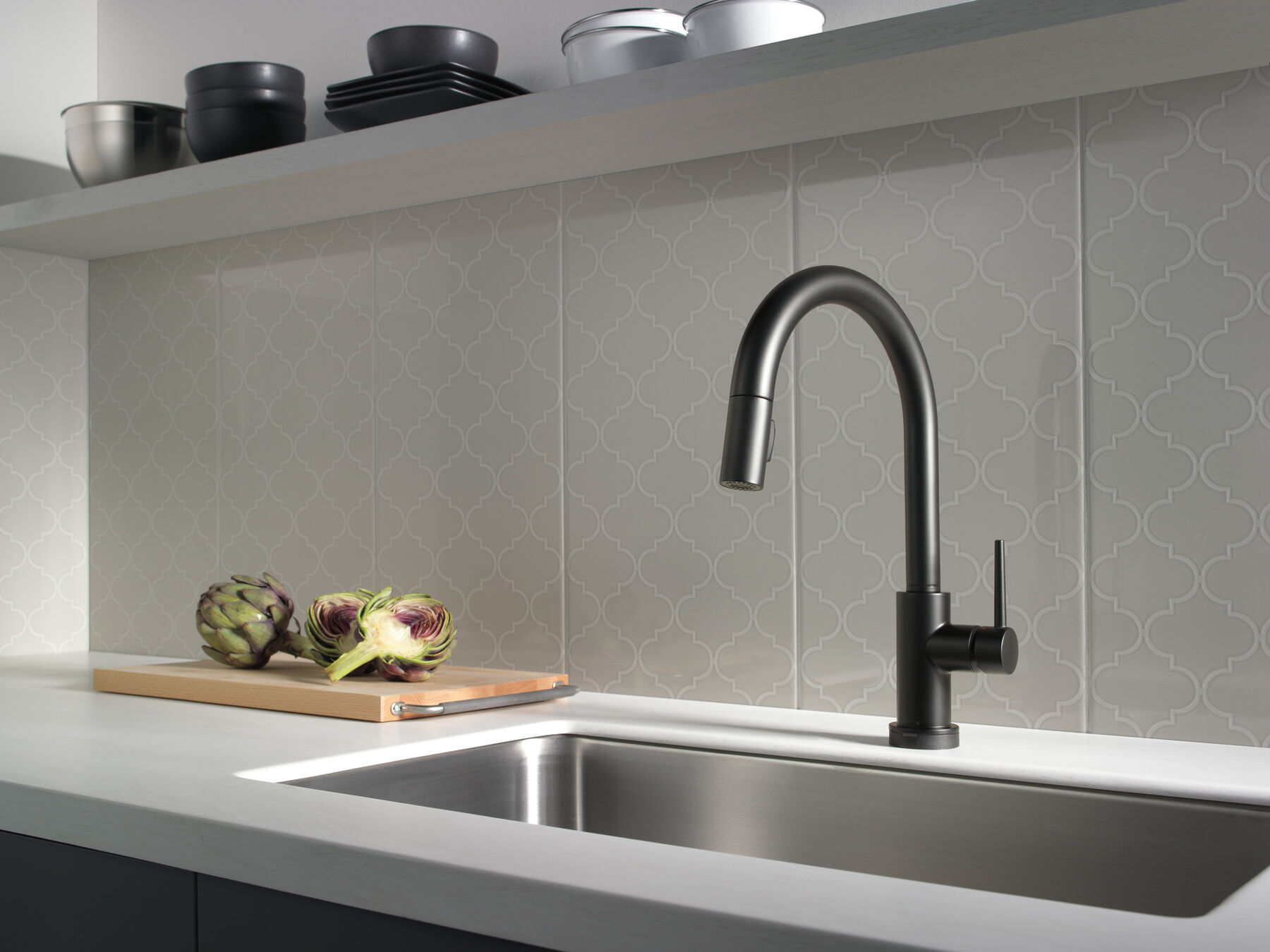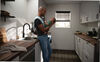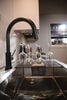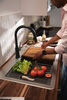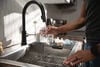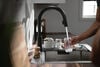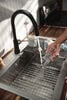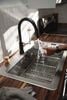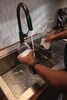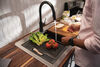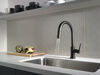
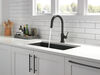
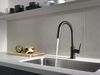
Single Handle Pull-Down Kitchen Faucet with Touch<sub>2</sub>O® Technology in Matte Black

Model#: 9159T-BL-DST
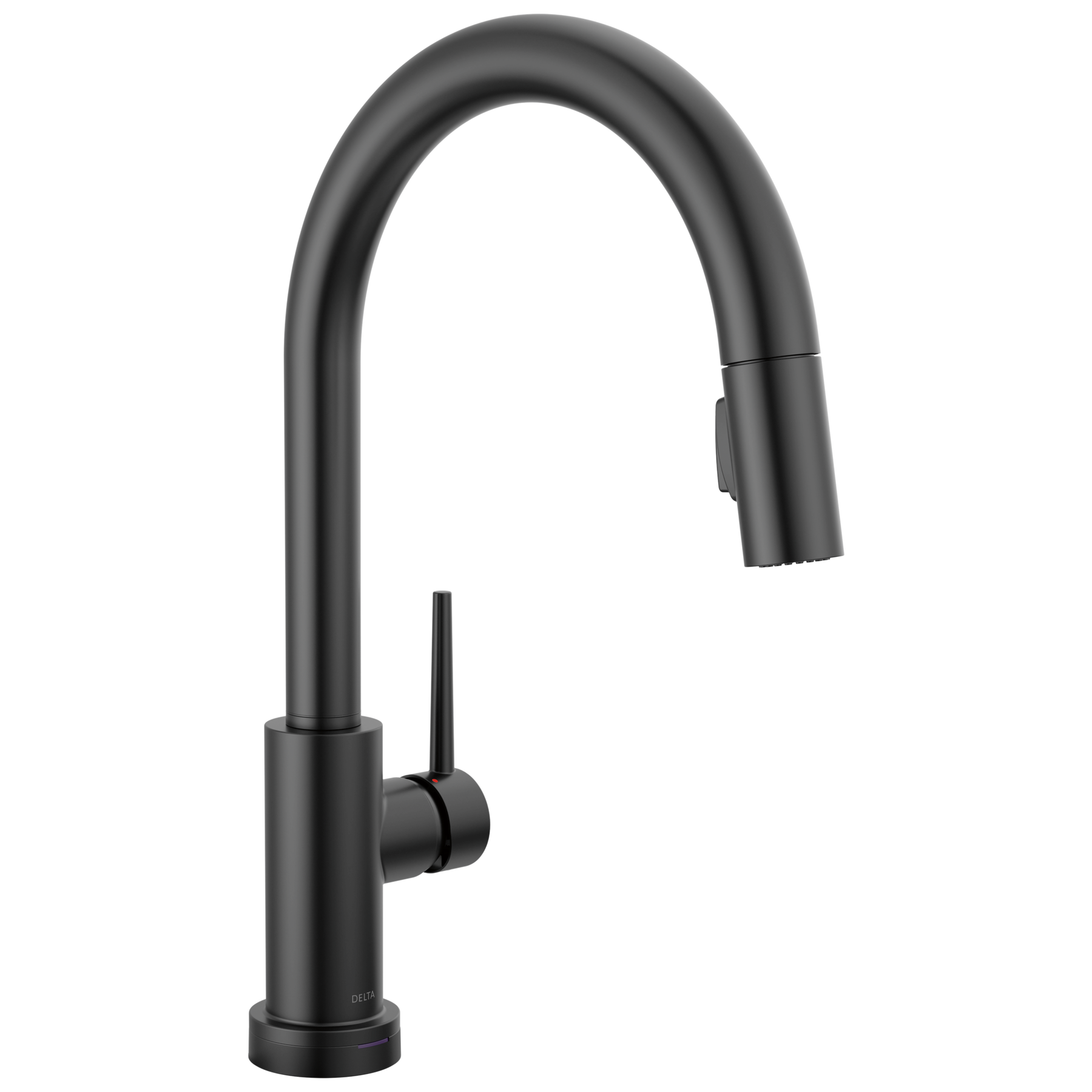
Single Handle Pull-Down Kitchen Faucet with Touch<sub>2</sub>O® Technology in Matte Black
Model#: 9159T-BL-DST
List Price: $1,14200
PRODUCT FEATURES
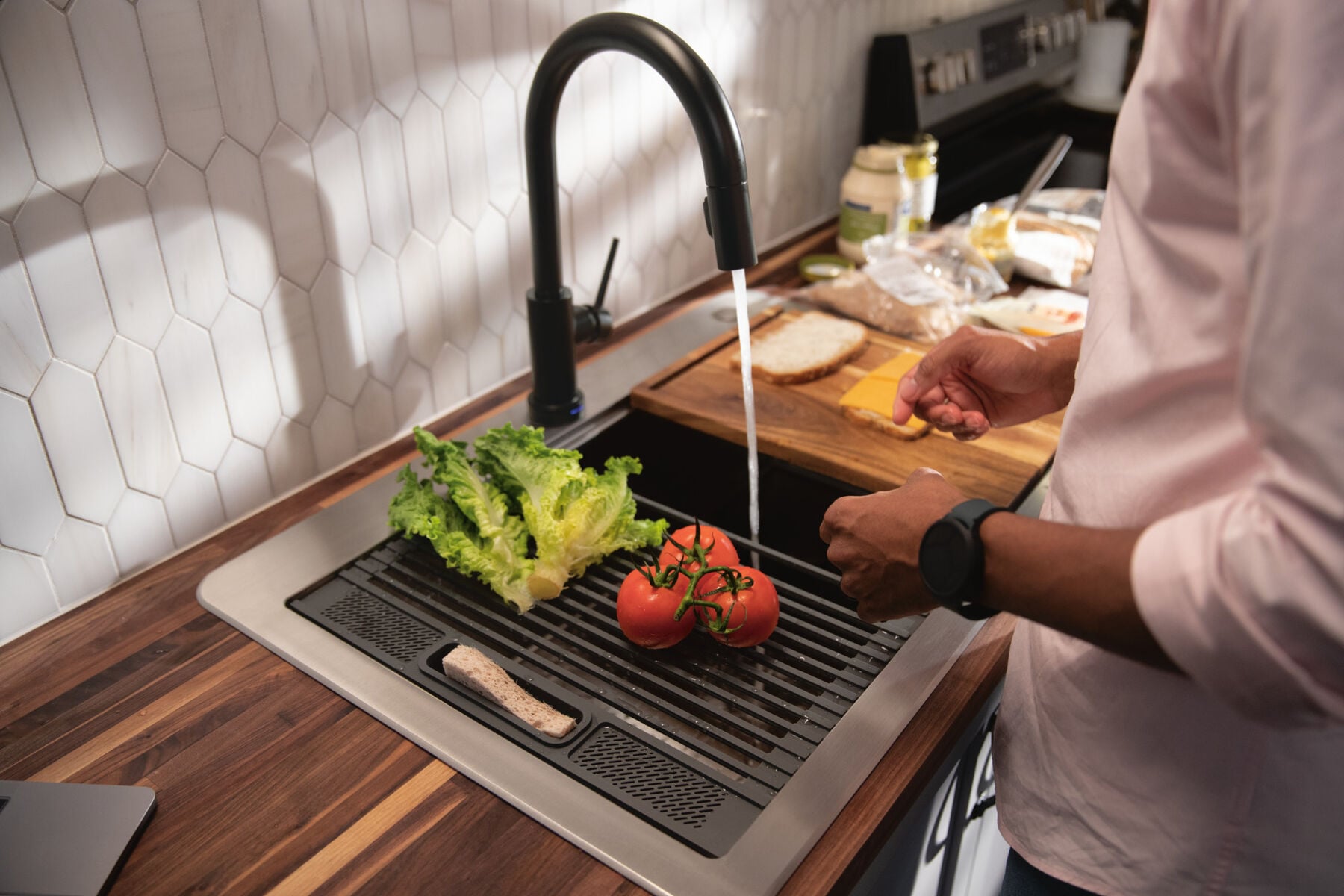
Touch it on. Touch it off. Whether you have two full hands or 10 messy fingers, Delta® Touch2O® Technology helps keep your faucet clean, even when your hands aren’t. A simple touch anywhere on the spout or handle with your wrist or forearm activates the flow of water at the temperature where your handle is set. The Delta TempSense™ LED light changes color to alert you to the water’s temperature and eliminate any possible surprises or discomfort. Delta® MagnaTite® Docking uses a powerful integrated magnet to pull your faucet spray wand precisely into place and hold it there so it stays docked when not in use. Delta® faucets with DIAMOND™ Seal Technology perform like new for life with a patented design which reduces leak points, is less hassle to install and lasts twice as long as the industry standard*. Kitchen faucets with Touch-Clean® Spray Holes allow you to easily wipe away calcium and lime build-up with the touch of a finger. You can install with confidence, knowing that Delta faucets are backed by our Lifetime Limited Warranty. Electronic parts are backed by our 5-year electronic parts warranty. *Industry standard is based on ASME A112.18.1 of 500,000 cycles.
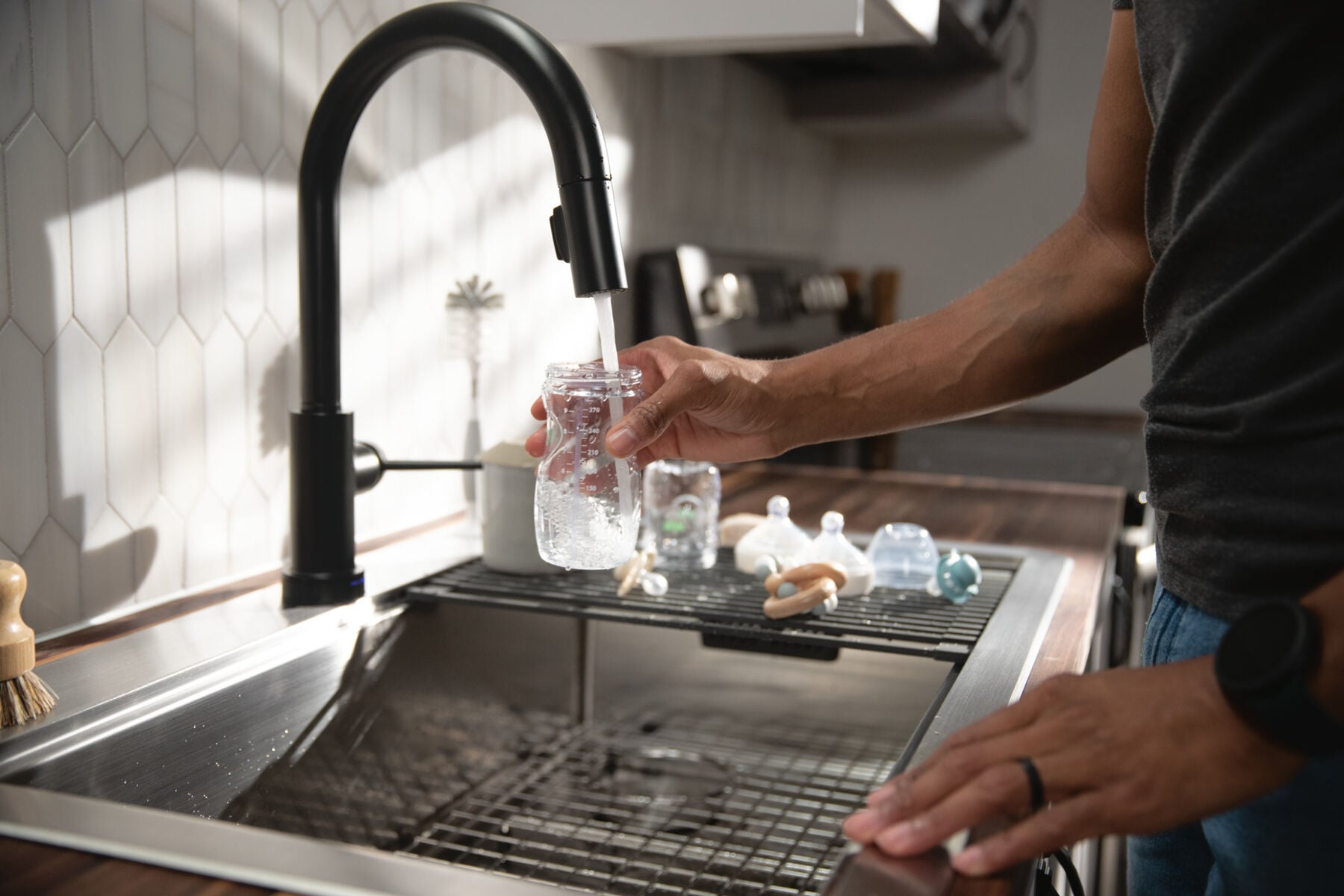
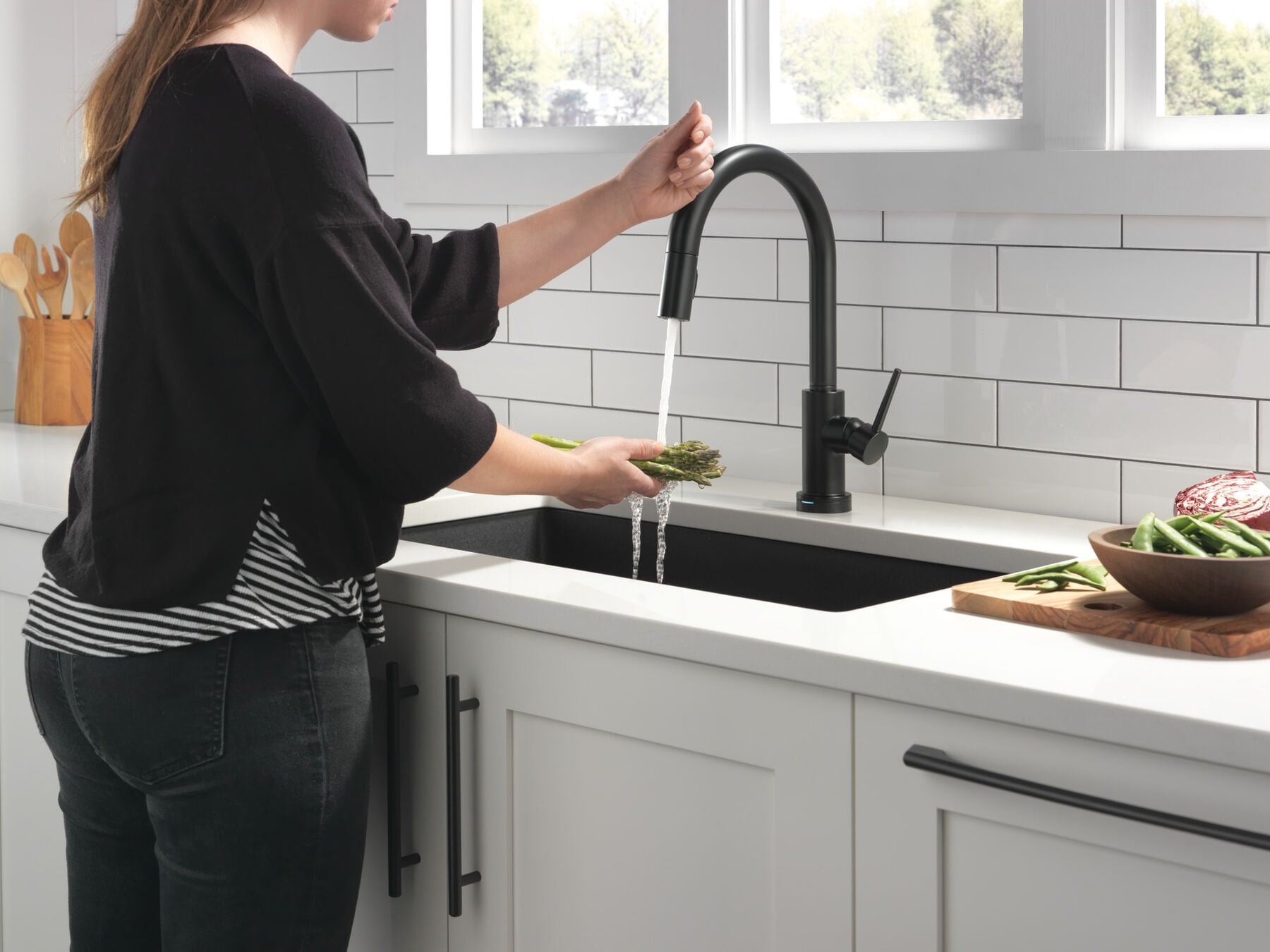
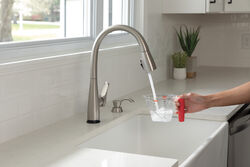
  • With Touch2O® Technology a simple touch anywhere on the spout or handle will start and stop the flow of water
  • Helps keep your faucet cleaner, because washing the mess off your hands shouldn't involve making a mess of your faucet
  • LED light signals blue when touch mode is active and flash red when batteries are running low
  • Automatic water flow shut-off after four minutes helps conserve water
  • Integrated TempSense™ LED light shows water temperature, changing from blue to magenta to red as temperature increases
  • Battery operated 6 AA (included) with a battery life of approximately 1 year or 6 C (not included) with a battery life of approximately 3 years
  • Intuitive Touch2O® Technology can sense the difference between a touch and a grab, reducing the chances of false activation
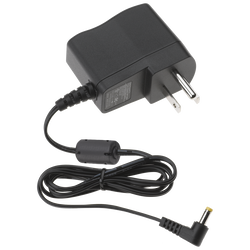
  • Optional A/C adapter EP102157 may be ordered separately
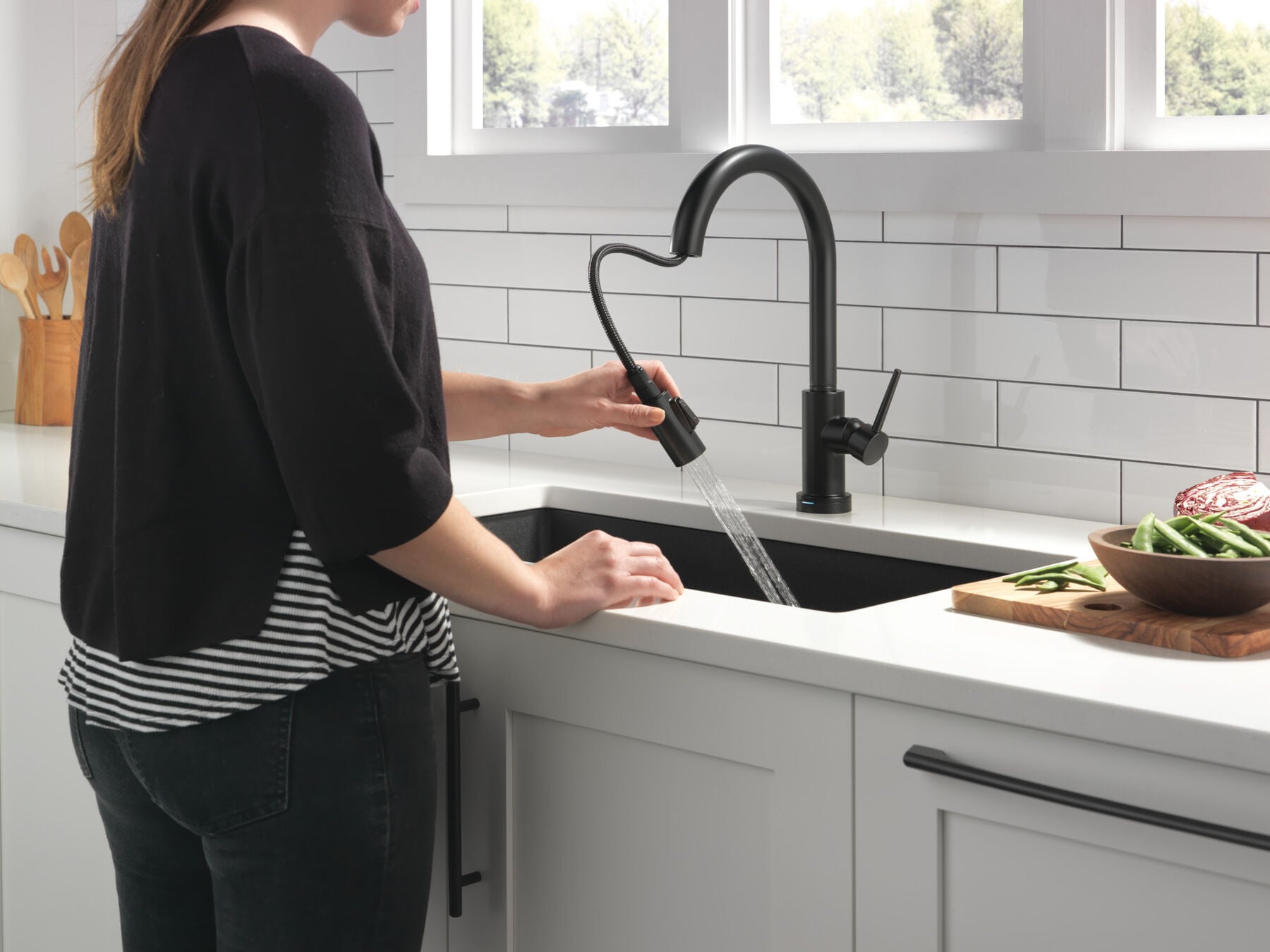
  • MagnaTite® Docking uses a powerful integrated magnet to snap your faucet spray wand precisely into place and hold it there so it stays docked when not in use and doesn’t droop over time
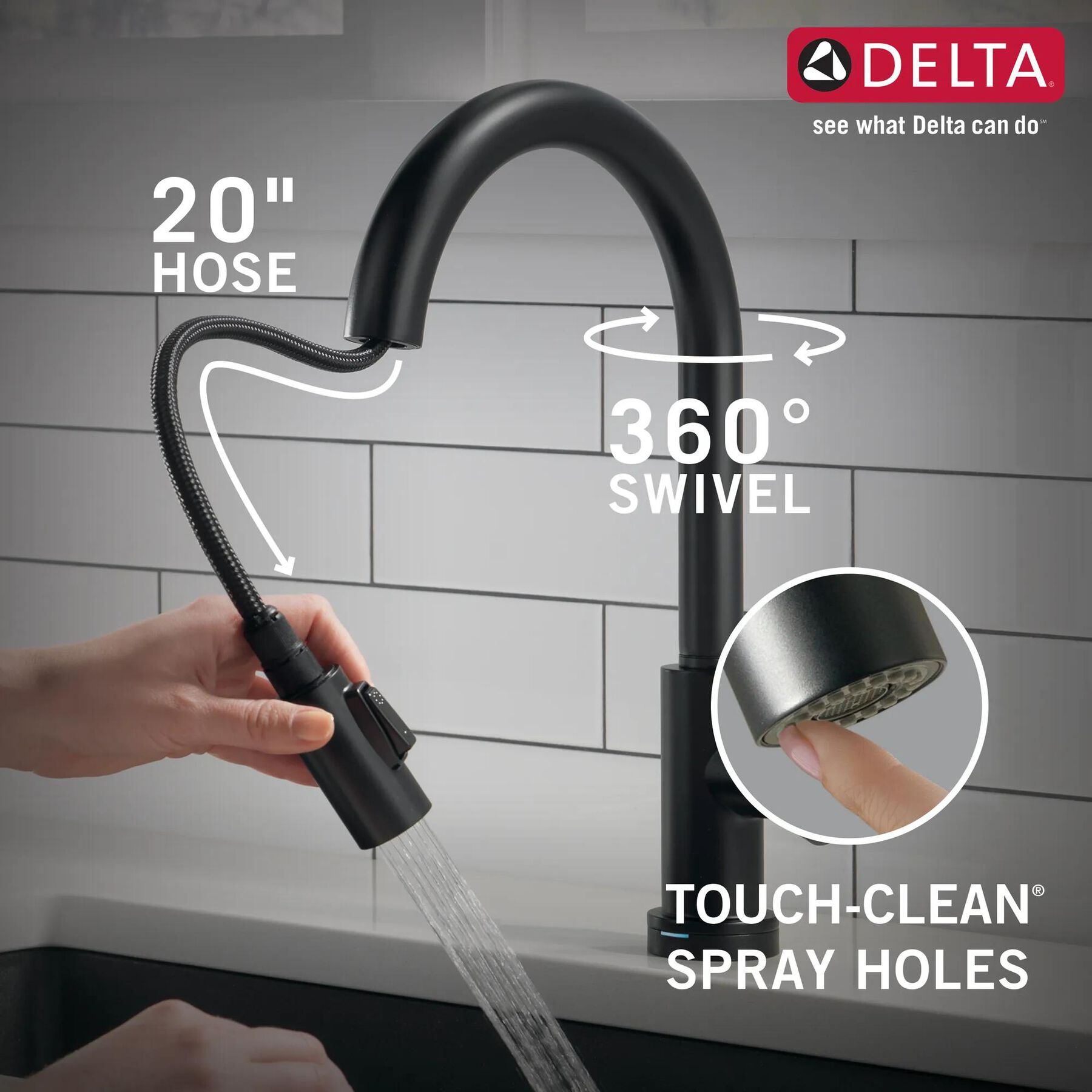
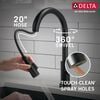
  • Soft, rubber Touch-Clean® spray holes allow you to easily wipe away calcium and lime build-up with the touch of a finger
  • DIAMOND Seal Technology is less hassle to install and helps your faucet perform like new for life, reducing leak points and lasting twice as long as the industry standard
  • Everything you need is together in one convenient box, including integrated InnoFlex® PEX supply lines
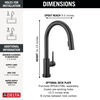
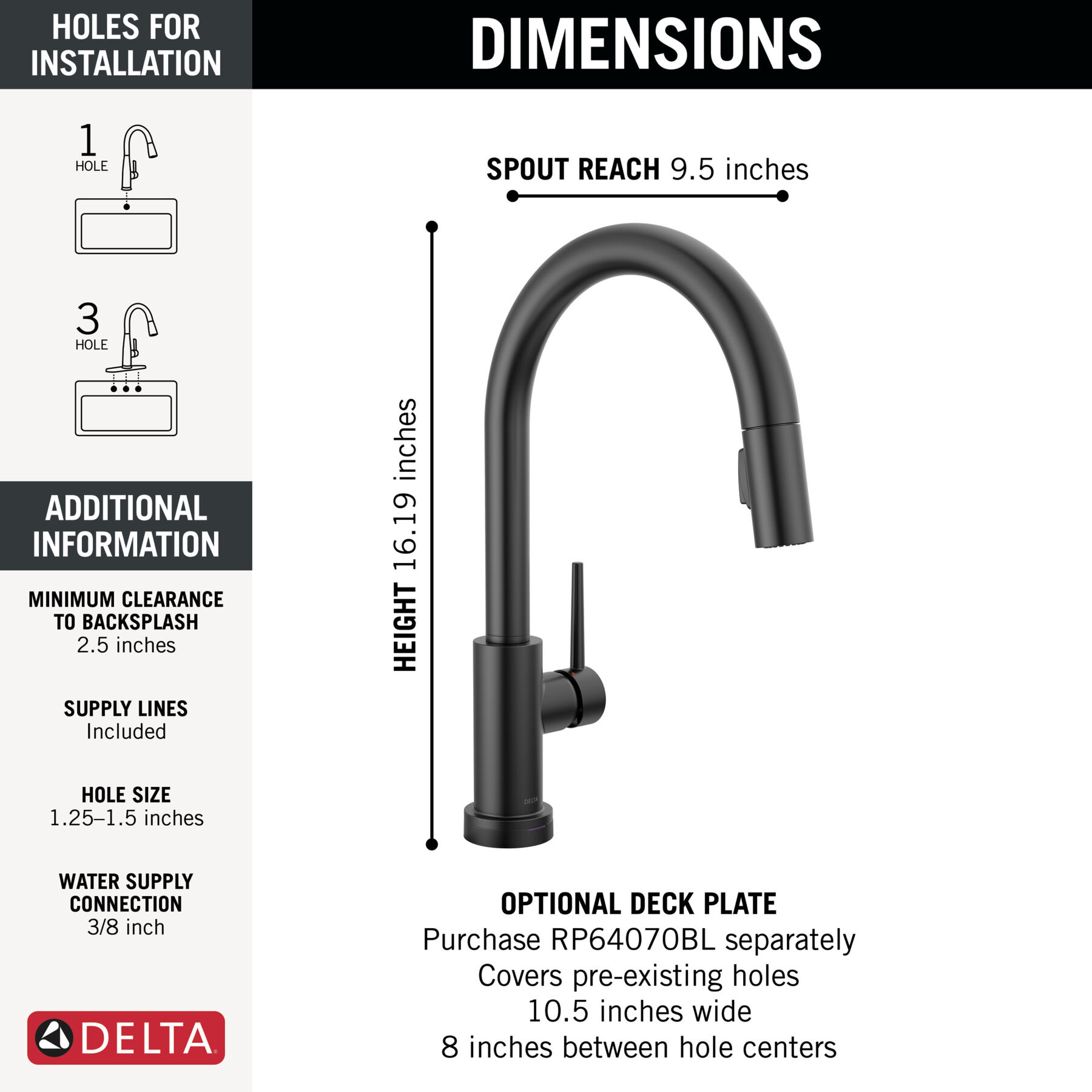
  • 1 or 3-hole 8" installation
  • ADA Compliant
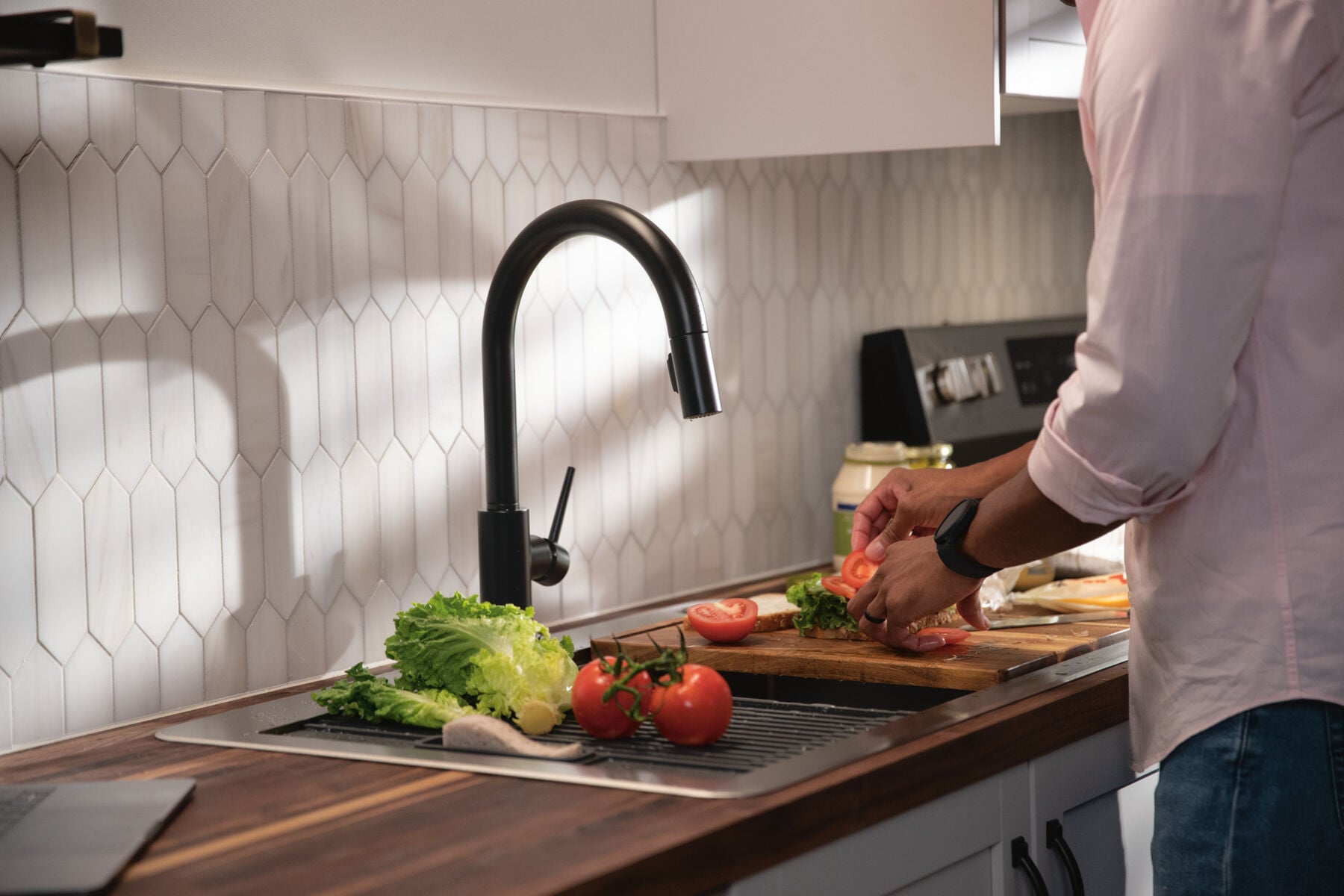
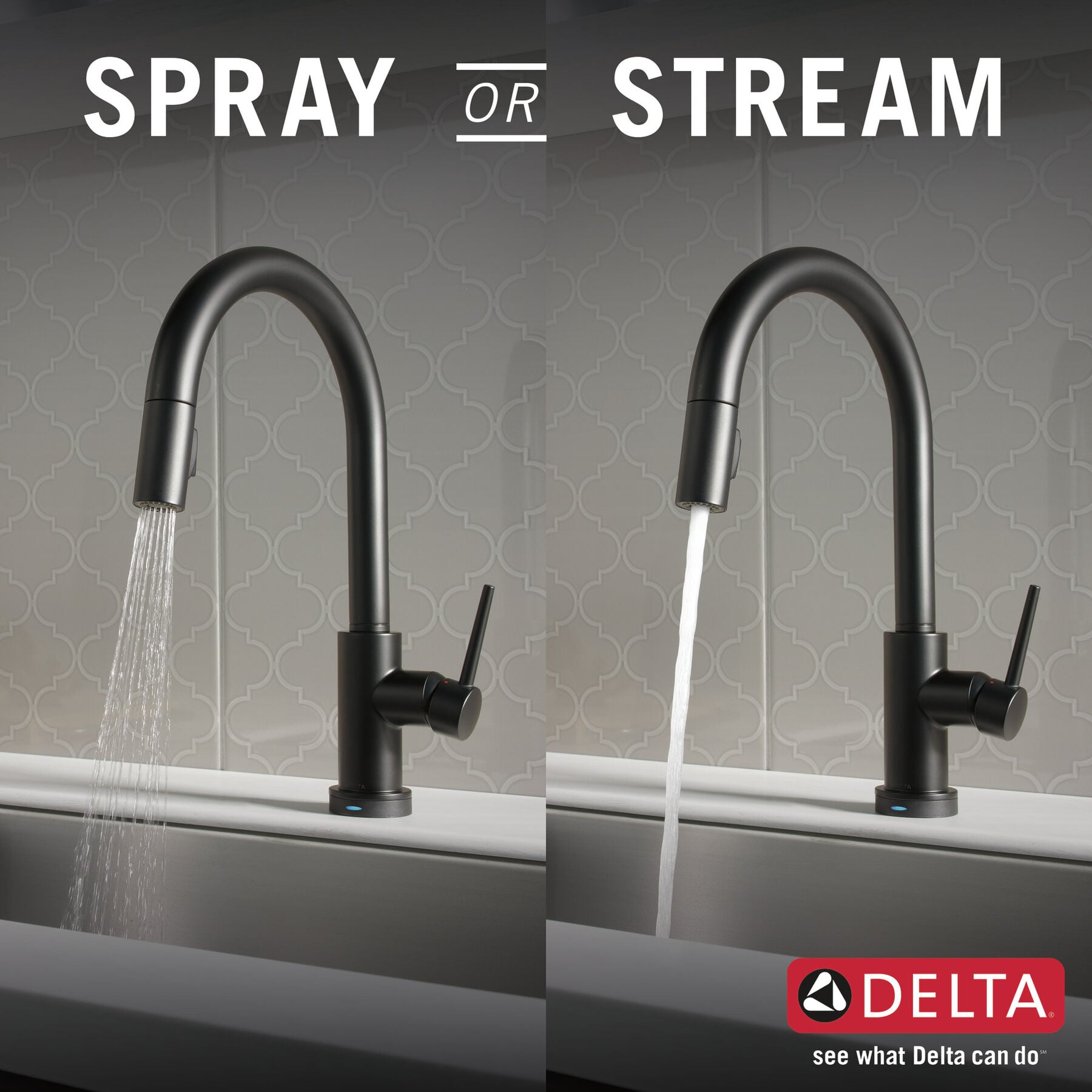
  • The high-arc, gooseneck design swivels 360 degrees with a 20-in. retractable hose for added convenience during everyday kitchen tasks
Special Information
Warning Image
California Prop 65 WARNING
Technology and Special Features
ADA Compliant
Touch-Clean®
No-Lead Compliant
Water-Efficient
Diamond Seal® Technology
MagnaTite® Docking
VoiceIQ® Compatible
Touch2O® Technology
Special Information
Warning Image
California Prop 65 WARNING
Documents & Specs
Installation Information
1 or 3-hole 6" or 8" installation
Connection Type :
3/8" compression fittings
Flow Rate :
1.8 gpm @ 60 psi, 6.8 L/min @ 414 kPa
Overall Height (in.) :
16-3/16
Valve Type:
Ceramic Disc

INSTALLATION SUPPORT

Need help with installation? Find local Delta® installers. Get Quotes. Read reviews.

GO
Enter Valid Zip.
REVIEWS
Rated 5 out of 5 by from Great faucet Great faucet. I live the touch faucet.
Date published: 2026-04-25
Rated 5 out of 5 by from This works just as advertised and is convenient Super cool and easy maintenance
Date published: 2026-04-10
Rated 1 out of 5 by from The quality of this faucet is terrible. We have changed the battery at least 6 times in the last 18 months and now it's just not working at all. Not worth the trouble to have the touch activation or sensor if they don't work properly. Very frustrated customer.
Date published: 2026-02-06
Rated 2 out of 5 by from Beautiful but... I absolutely love the look of this but less than two months in, it started intermittently leaking from the spray nozzle. I've cleaned the nozzle numerous times and tried everything to get it to stop to no avail. VERY disappointing. I did not expect this so early in it's lifetime and it is not returnable.
Date published: 2025-11-29
Rated 3 out of 5 by from Magnetic ring detached and broke. Hi, is an excellent product, I would like to know if you sell the magnetic ring, is not on your parts list. Mine detached from the goose neck, and it broke. Is a metal magnetic ring. I Really need this part and instructions of how to attach it.
Date published: 2025-05-15
Rated 5 out of 5 by from Pretty good We like this pretty well, although it seems more awkward than the previous Brio that we had before when switching between regular water and spray.
Date published: 2025-04-16
Rated 5 out of 5 by from Heavy Duty Quality Faucet! This faucet is quality made! I can’t wait to install it. Everything I have purchased from this company is noticeably excellent and high quality!
Date published: 2025-03-14
Rated 2 out of 5 by from Overengineered. The solenoid ("brain") failed and had to be replaced within the first 3 months after installation. Delta sent a new solenoid which seemed to work fine. However, two years later, it is again malfunctioning. If you turn on the faucet, it randomly turns itself off without being touched. It is very annoying and I'd just as soon have a traditional faucet that works with the handle for on & off. No more of the touch on & off. The six batteries need to be replaced about every four months; expensive and also very annoying. The spray feature works very well.
Date published: 2025-01-12
  • y_2026, m_6, d_11, h_12
  • bvseo_bulk, prod_bvrr, vn_bulk_3.0.46
  • cp_1, bvpage1
  • co_hasreviews, tv_0, tr_202
  • loc_en_US, sid_9159T-BL-DST, prod, sort_[SortEntry(order=SUBMISSION_TIME, direction=DESCENDING)]
  • clientName_deltafaucet
  • bvseo_sdk, dw_cartridge, 18.2.0, p_sdk_3.2.0
  • CLOUD, getReviews, 11ms
  • reviews, product
Q&A

Does the Trinsic Faucet swivel or is it fixed?

Asked by: dan
Thank you for your question. Delta Faucet model # 9959T-DST swivels 360 degrees.
Answered by: Delta1
Date published: 2024-03-28

Does the hose automatically retract?

Asked by: BKG
Yes, and the magnetic seat keeps the head in place, every time.
Answered by: TulsaGolf
Date published: 2024-03-28

Can I just use it without the Touch20?

Can I just use the tap manually if I don't put in the batteries? Will it work?
Asked by: Suan
Hi suan25, Thank you for your question! The faucet can be operated manually by disconnecting the battery box while the water is running. It will remain in manual mode until you reconnect the batteries. Another method is to remove the solenoid assembly and connect the hose directly to the faucet under the sink. Best regards, Jon
Answered by: DeltaFaucet3
Date published: 2024-03-28

where are batteries located and do I change them when needed

Asked by: Libby
Thank you for your question, Libby! The batteries will need to be changed when the faucet displays a flashing red light. The battery box can be found below the counter and will need to be placed at least two inches away from any metallic or electronic. Best regards, Edward
Answered by: Delta Faucet
Date published: 2024-03-28

Does this faucet come with check valves?

Asked by: dugfresh
Hi, Dugfresh! Thank you for your question. The Delta 9159T-AR-DST Faucet does include the RP53468 Check Valves. Best Regards, Rosanna
Answered by: Delta Faucet
Date published: 2024-03-28

Can the handle be switched to the left side?

Asked by: JC
Hi JC, Thank you for your question. The faucet is only designed for the handle to be installed on the right side due to the rotation of the handle and the position of the light at the base. Best regards, Jon
Answered by: DeltaFaucet3
Date published: 2016-11-23

I've had this faucet for about six months. In the past week, every time I turn the faucet on or off the TempSense light blinks red three times. What does this mean?

Asked by: BenH
Hello, BenH. Thank you for your question! The light will flash red 3 times when the faucet is turned on or off if the batteries are low. We recommend installing a brand new set of non-rechargeable, Duracell or Energizer batteries. Please refer to page 16 of the Instructions for more information: https://media.deltafaucet.com/MandI/92519%20Rev%20H.pdf Best regards, Jon
Answered by: Delta Faucet
Date published: 2024-03-28

Does this faucet meet current California flow rate requirements? &nbsp;And if not, is there an aerator attachment/ accessory that can be added?

Asked by: Jennifer
Hi, Thank you for your question. The 9159T-DST does meet the California flow rate requirements as the flow rate for the faucet is 1.20 gpm. Best Regards, Rosanna
Answered by: DeltaFaucet11
Date published: 2024-03-28

I purchased a new home with this kitchen faucet. &nbsp;I looked at the booklet and there is very little to explain the hows or whys of the faucet. &nbsp;Do you have any literature that explains the purpose, function, and expectation of this faucet? &nbsp;

Asked by: Dayle
Dear Daylec, Thank you for your question. Please see the Maintenance/Installation document below, for the Delta Trinsic Touch2O Kitchen Pull-Down 9159T-DST faucet. https://media.deltafaucet.com/MandI/92519%20Rev%20G.pdf Best regards, Tanya
Answered by: Tanya
Date published: 2024-03-28

Is there a maximum psi recommended for this faucet?

Asked by: Trampoline
Hi, Trampoline! Thank you for your question. The faucet limitation for our conventional faucets such as the 9159T-DST unit is 20psi to 100psi. Best Regards, Rosanna
Answered by: DeltaFaucet11
Date published: 2024-03-28

I see you answered the question about it turning on by itself, but you didn&rsquo;t answer why it does this. I&rsquo;ve had mine for several years and this just started happening more, so I changed batteries, but still does this sometimes&nbsp;

Asked by: Donna
Hi, Donna! Thank you for your question. Ghosting from your Touch 2O Faucet can most likely be resolved by adjusting the installation below the sink. Please make sure that no wires are touching metal objects or other wires, and that the battery box is placed on the floor of the cabinet, 2 inches from the sides. Please try unplugging the black LED wire (looks like a headphone jack) and plugging it back in until it clicks. Next, reset the solenoid by removing the cap from the battery box for one minute and reconnecting it. Please also be sure to use a new set of brand name, non-rechargeable batteries. Please feel free to call, email, or message us on social. Best regards, Rosanna Phone: 1-800-345-3358 | Email: customerservice@deltafaucet.com | Facebook/Twitter: @deltafaucet
Answered by: Delta Faucet
Date published: 2024-03-28

Is it possible to turn the touch feature off so it operates like a normal faucet?

Asked by: newton123
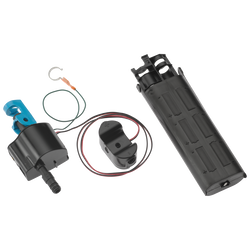
Hi, Newton123! Thank you for your question. The Delta 9159-DST Faucet can be operated manually without the Touch2O Function. For manual operation, first turn the handle to the 'off' position. Under the sink, make sure you have a bucket and towels ready for any excess water coming out. Remove the two blue clips on the top and bottom of the solenoid assemblies. Remove the water lines from the top and bottom of the solenoid. Remove the solenoid assembly entirely. Connect the two water lines together and secure with one of the blue clips. Turn the handle to the 'on' position to test. Best Regards, Rosanna
Answered by: Delta Faucet
Date published: 2024-04-13

Can the handle be mounted on the LEFT

I currently have a kitchen faucet with a detached handle mounted in a hole 4&quot; to the right of the faucet. I'm looking to replace this setup with a single handle kitchen faucet that will let me mount the handle on the LEFT side so I can use the existing hole 4&quot; on the right for a filtered water dispenser. Questions: 1) Will this faucet let me mount the handle on the left? 2) Is there anything related to mounting the faucet that will interfere with my re-use of the hole 4&quot; to the right of the faucet?
Asked by: Dr. Horse Jumper
Hi Dr. Horse Jumper, Thank you for your question. The faucet is designed for the handle to be installed on the right. Unfortunately, installing it on the left will cause the handle to rotate backwards, and the LED light will not be visible. Best regards, Jon
Answered by: DeltaFaucet3
Date published: 2024-03-28

Champagne Bronze Matches what finish at Newport Brass?

I need to buy a hot water dispenser to match my 9159T-CZ-DST. What finish would I order from Newport Brass?
Asked by: Melissa
Thank you for your question, Melissa. Unfortunately, we are unable to make a suggestion regarding other brands. Please click the link below to see our selection of Beverage Faucets in the Champagne Bronze finish. These have a single supply line that can be connected to either cold or hot water. https://www.deltafaucet.com/kitchen/specialty-faucets/beverage?facetFinish=champagnebronze Best regards, Jon
Answered by: DeltaFaucet3
Date published: 2024-03-28

My handle fell off...how can it be re-attached correctly? I believe I have 9159T or 9959T model

Asked by: Laura
Is the part number interchangeable on different models? Thank you&nbsp;
Answered by: Laura
Date published: 2024-03-28

My faucet won't turn completely off when using the touch feature. How can this be fixed?

The touch feature works fine when turning on the faucet. But, last week the faucet continues to allow a small stream of water when I use the touch feature. It's more than just a drip. It will turn completely off when I use the handle. The faucet is about 1 year old.
Asked by: Jeff
Hi, Jeff. Thank you for your question, and I am sorry that you are experiencing a leak from your faucet. Leaking from the faucet in the touch off mode comes from debris inside the solenoid. You may flush the solenoid by following these next steps. 1. Turn the water supply by putting your handle in the manual off position. 2. Disconnect the sprayer hose by removing the blue retaining clip. 3. Place a bucket under the male adapter coming out from the solenoid. 4. Run water into the bucket for 2-3 minutes. Debris located inside the solenoid should be flushed out after completing these steps. Best Regards, Rosanna
Answered by: Rosanna
Date published: 2024-03-28

can a puf or brita filter fix with this faucet?

Asked by: linh
No you can not on this faucet.
Answered by: Myles
Date published: 2024-03-28

Can you hardwire this model so it does not have to run on batteries to use the touch feature?

Asked by: Sarah
Hi Sarah, Thank you for your question. We do not recommend hard wiring the model 9959T-AR-DST faucet. The faucet is designed to operate with battery power. Thanks, Dave
Answered by: DeltaFaucet2
Date published: 2024-03-28

installed new delta 9159t-cz-dst. Water will not come out of faucet when first turned on, You have to tap the faucet several times to get the Auto touch feature to work

Asked by: Buddy G
Hello, Please accept our sincere apology for the inconvenience you are experiencing. We have reached out to you via email to further assist at this time. Best Regards, Tim Digital Communications Specialist
Answered by: Timothy
Date published: 2026-01-14

How do you change the batteries?

Asked by: Ren
Hi Ren, Thank you for your question! The battery box is designed to be placed on the floor of the cabinet. To replace the batteries, squeeze the tabs on the sides of the cap and pull the cap off. Install the new batteries in the direction indicated on the outside of the box, then press the cap back on until it clicks into place. It will accept 6 AA batteries using the insert or 6 C batteries. Best regards, Jon
Answered by: DeltaFaucet3
Date published: 2024-03-28

Can I disable the &quot;auto off&quot; feature?

Our sink which has the Delta Faucet is located on an outside wall. As the temperatures plummet this winter, we would like to leave this Faucet on a slow drip overnight. The StartUp Guide has no information on how we might temporarily disable the &quot;auto off&quot; feature so that we can keep water moving through the pipes during periods of frigid temperatures.
Asked by: CFaivre
Hi CFaivre, Thank you for your question. The auto shut off is a safety feature of our touch faucets. To turn off the auto shut-off, you would need to fully remove the solenoid assembly. Best regards, Tanya
Answered by: Tanya
Date published: 2024-03-28

Hi we installed the faucet in June. The red light is flashing and the water isn&rsquo;t coming out. How can we fix this?

Asked by: Robin
Thank you for your question, Robin! I do apologize that you are not getting water, but will be more than happy to help! A flashing red light, would indicate low batteries. You should be able to get water back, once new batteries are installed. If you need further assistance, feel free to contact us directly. Best Regards, Benjamin
Answered by: Delta Faucet
Date published: 2024-03-28

I recently purchased a condo that has a model 9159T faucet. The water here has some sediment and the flow seems to be restricted. Can the end piece be taken apart for cleaning? Is soaking it in a vinegar/water solution the only way to clean the head?

Asked by: Mike
Hi, Mike! Thank you for your question. The sprayer assembly for the Delta 9159T-DST faucet can be removed from the hose assembly to be soaked in a solution of 50% white vinegar and 50% water mix. This can be soaked for an hour or even overnight to clean any debris that may cause the flow issue. Best Regards, Rosanna
Answered by: Delta Faucet
Date published: 2024-03-28

How do I clean the screen at the end of my Trinsic faucet?

Why don't you post a maintenance manual on your website? With my old faucet, it was easy to unscrew the end of the faucet to clean out any particles/junk that were impeding the water flow. I need to do this with this faucet, but the construction of the faucet is very different and a visual guide would be helpful. Thank you in advance for your assistance.
Asked by: Katie
Hi Katie, Thank you for your question. Please refer to page 51 of the instructions linked below for help. To clean the screen, unscrew the wand assembly from the hose. We recommend to soak the wand in a 50/50 solution of white vinegar and water for about 15 minutes and then rinse and wipe it off to help remove mineral buildup. https://media.deltafaucet.com/QuickstartDiagram/QS-82180%20Rev%20E.pdf Best regards, Jon
Answered by: DeltaFaucet3
Date published: 2016-11-29

Cleaning. Mineral build up

I have this trinsic kitchen faucet in champagne bronze. The end of the faucet on the bronze finish is starting to develop mineral build up. What should I clean this with? I have had this product for one year. Thank you.
Asked by: Meghan
Hi, Meghan, Thank you for your question. We recommend to clean with 50% white vinegar and 50% water solution mix. Here is more suggestions from our FAQ: Always blot dry any water from faucet surface. Allowing water to evaporate on the surface can lead to build up of mineral deposits. Cleaning with a damp non-abrasive sponge and buffing it dry with a clean soft cloth should help keep your product looking beautiful. To remove water spots, use warm water and a soft, damp cloth. Hard water stains may be removed using a 50/50 solution of white vinegar and water. Make certain that you rinse thoroughly with water afterward. If additional cleaning is required, all of our finishes may be cleaned with the following household cleaners: Formula 409&reg; Antibacterial All Purpose Cleaner, Fantastik&reg; All Purpose Cleaner, or Windex&reg; Original Glass Cleaner, when used according to the manufacturers' instructions for use. Avoid using the following which can damage your finish: Avoid industrial cleaners and abrasive cleaners, such as those used for toilet bowls, green Scotch-Brite heavy duty scrub sponges, Scrubbing Bubbles Bathroom Cleaner and Lysol Basin Tub, Soft Scrub, and Tile Cleaner. Avoid products that state on the label that they remove tarnish and rust, and those containing hydrofluoric, hydrochloric and/or phosphoric acids and caustic agents. Avoid harsh abrasives or polishes Avoid bleach-based cleaners Best Regards, Rosanna
Answered by: Rosanna
Date published: 2017-01-05

Can this faucet be placed in permanent bypass mode? Looking to eliminate the tap mode

Asked by: sttarks
Hi, sttarks. Thank you for your question. The Delta 9959T-AR-DST faucet touch function can be manually bypassed. To do this, first turn the water off at your water supply for your faucet. Under the sink, you will see the solenoid assembly with two water lines coming from the bottom and top of the solenoid. These are connected with two blue clips. Remove the two clips to remove the whole solenoid assembly. Connect the two lines together and secure this connection with one of the blue clips. Pull the connection to make sure the connection is tightly secured. Please contact us back if you should need further assistance. Best Regards, Rosanna
Answered by: Delta Faucet
Date published: 2024-03-28

When my kitchen faucet with touch technology gets wet, it works erratic. Is there anything I can do, so this doesn&rsquo;t happen?

Asked by: Ricardo
Hi, Ricardo. Thank you for your question. I am sorry to hear that you are experiencing erratic issues with your Delta faucet. We do recommend to wipe the faucet down after each use. Here is a list of do's and don't's for touch faucets: Must Do or significant degradation in touch responsiveness is likely: &bull; Use the stabilization plate provided with the faucet (it is an insulator, which helps the faucet recognize the signal better) &bull; Use all other insulators provided with the faucet (exception: spout insulator cannot be used with thin-mounting surfaces) &bull; Make sure the metal mounting shank is at least &frac12;&rdquo; from the sink bowl or other metal objects (e.g., sink clips, metallic hoses, house wiring, etc.) &bull; Separate the black wire with the stereo plug as much as possible from the other wires Should Do or some degradation in touch responsiveness is possible: &bull; Place battery pack as close to the floor of cabinet as possible (flat on cabinet floor for best results) &bull; Maintain a 2&rdquo; clearance around battery pack (excluding cabinet itself) &bull; Route faucet wires away from all hoses and supply lines to prevent contact &bull; Avoid placing household objects (sponges, soaps, decorations, etc.) within 2&rdquo; of faucet Must NOT Do or significant degradation in touch responsiveness is likely: &bull; Modify the supplied parts (exception is stabilizer plate&mdash;it may be cut for non-standard hole spacing) &bull; Use power adaptor in lieu of supplied battery pack &bull; Bundle wires together Should NOT Do or some degradation in touch responsiveness is possible: &bull; **Connect faucet or battery pack to an earth ground (e.g., house wiring or water lines) &bull; Install faucet on metal counter top (metal sinks are fine) &bull; Install faucet within 4&rdquo; of a metal backsplash behind faucet &bull; Wrap wires around drains If you should need further assistance, please contact our Delta Customer Service line at (800)345-3358. We are available Monday-Friday, 7am-7pm, CST and Saturday, 8am-5pm, CST. You may also email at customerservice@deltafaucet.com. Best Regards, Rosanna


Answered by: Delta Faucet
Date published: 2024-03-28

What is the rj-45 port on the solenoid for?

Asked by: A-Aron
Hi A-Aron, Thank you for your question. This port is used by our engineers for diagnostic purposes. Best regards, Jon
Answered by: DeltaFaucet3
Date published: 2017-01-16

Is this faucet made in the USA. How can I tell which products are?

Asked by: antnee
We manufacture Delta faucets in our plant facilities in Greensburg, Indiana; Jackson, Tennessee; London, Ontario, CA (and Panyu, China). As a global manufacturer, we also source and assemble a number of parts around the world. No matter where in the world our products are sourced, manufactured or assembled, they are built to Delta Faucet Company&rsquo;s exacting specifications and are quality tested to ensure long-lasting performance. The location information on the back of the box will tell you where your specific faucet model was made.
Answered by: Delta1
Date published: 2024-03-28

My faucet water flow has slowed to a trickle. How do I fix this?

Asked by: Anna
Hi, Anna! Thank you for your question and I am sorry to hear that you are experiencing low flow from your Delta faucet. We recommend to flush the lines and clean the debris screen at your solenoid assembly under the sink. To flush the lines, make sure your handle is in the 'off' position. Disconnect the top hose from your solenoid assembly and point it into a bucket. Turn on the water from your handle and let the water flow through the open hose into the bucket. Does it have adequate flow? Since the hose is disconnected, this is a good time to take the debris screen out of the solenoid. The debris screen is located in the opening of the solenoid where the hose was connected into. Take a pair of needle nose pliers and pull the small debris screen out. Clean the debris screen by rinsing it in running water at another faucet in your home since your kitchen faucet will be disconnected. Install it back into the solenoid and connect everything back up. Turn the handle in the off position. Disconnect the hose from the bottom of the solenoid. Point the whole solenoid into the bucket. Turn the handle in the 'on' position. Flush the solenoid through. If this does not fix the flow issue, please contact our Delta Customer Service line at (800)345-3358. We are available Monday-Friday, 7am-7pm, CST and Saturday, 8am-5pm, CST. You may also email at customerservice@deltafaucet.com. Best Regards, Rosanna
Answered by: Delta Faucet
Date published: 2024-03-28
  • y_2026, m_6, d_10, h_10CST
  • bvseo_bulk, prod_bvqa, vn_bulk_3.0.46
  • cp_3, bvpage2n
  • co_hasquestionsanswers, tq_254
  • loc_en_US, sid_9159T-BL-DST, prod, sort_[SortEntry(order=HAS_STAFF_ANSWERS, direction=DESCENDING)]
  • clientName_deltafaucet
  • bvseo_sdk, dw_cartridge, 18.2.0, p_sdk_3.2.0
  • CLOUD, getContent, 24ms
  • questions, product
PART LIST

PART LIST

Image-EP102157 Secondary Image-EP102157

DELTA

DELTA A/C Power Supply

List Price: $81.00

EP102157

4.33 30
Image-EP100855 Secondary Image-EP100855

DELTA

DELTA VoiceIQ® Module

List Price: $250.85
Online Price: $160.12
Free Ground Shipping All Orders $49+

EP100855

4.30 99
Image-EP92546

DELTA

DELTA Solenoid Assembly

List Price: $260.00
Online Price: $172.40
Free Ground Shipping All Orders $49+

EP92546

3.74 50
* Actual pricing may vary and is determined by the selling retailer/wholesaler/dealer.